Run the game from one screen
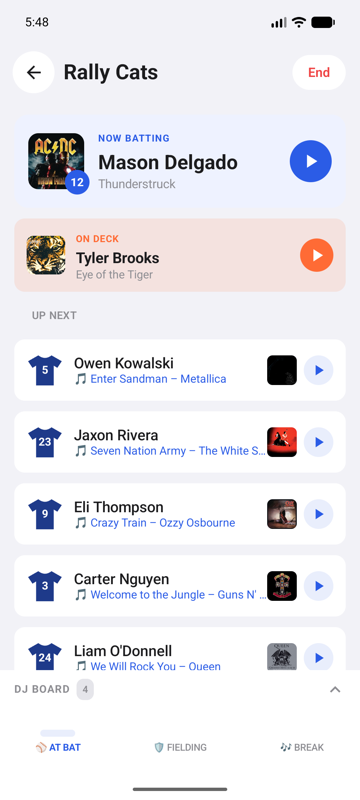
Batting order, walk-ups, and the DJ board — one tap each
GameDay Music plays the songs already on your phone, so the music you own is the music you fire — no streaming, no signal needed at the field. Connect Apple Music if you have it. Either way: walk-up songs, a stadium announcer, and one-tap music for the big plays.
Same app, same teams, same boards. Android just gives you one more way to get the music in: the files you already own.
Apple Music, built in. Search the catalog and assign a song to a player in seconds.
Apple Music too, since October 2026 — or the music files already on your phone: MP3s you bought and downloaded, from Amazon or anywhere else. No music subscription needed either way, and a file never buffers at a rink with one bar.
Apple Music is how songs get in, so a subscription is part of it.
Nothing to sign up for. Add your own files in the Audio Library and they load onto any button, start points and all. Song Ideas shows what other teams play most if you want a few more, and you can buy those anywhere — about a dollar each, yours for good.
Boards, announcer, sound effects, Game Opener.
The same — and one QR code moves a whole team between an iPhone and an Android phone.
Every screen is designed for one hand, in a loud venue, in the dark, under pressure.
Batting order, walk-ups, and the DJ board — one tap each
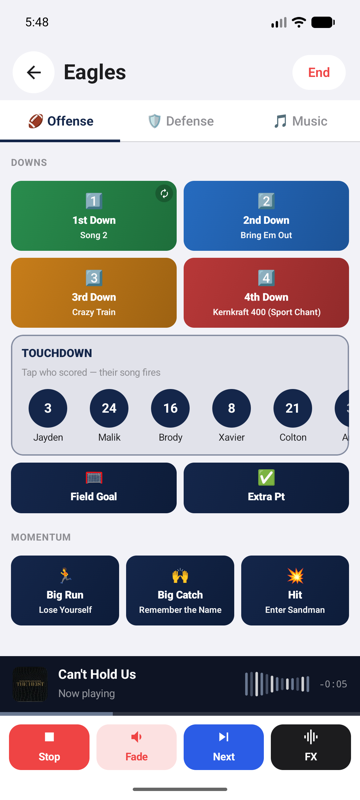
1st down, touchdown, big hit — each fires the next song in your list
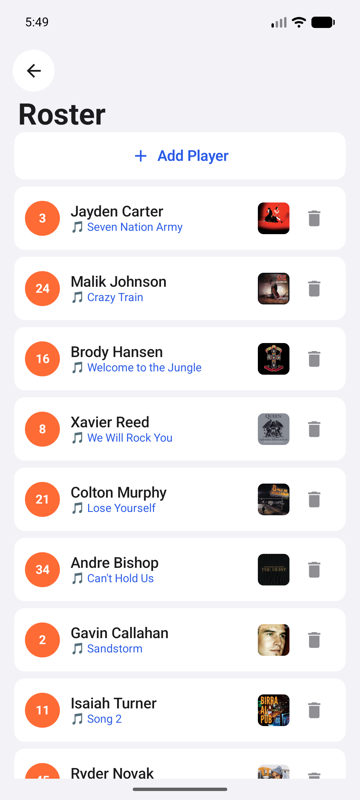
Trimmed to start on the exact beat — skip the intro, hit the drop
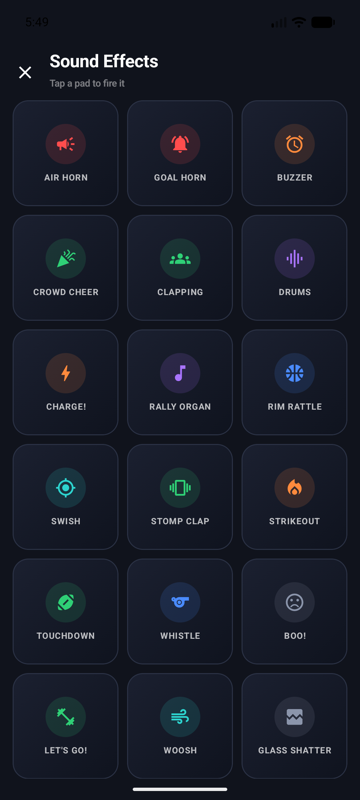
Twenty stadium sounds built in, plus any you import yourself
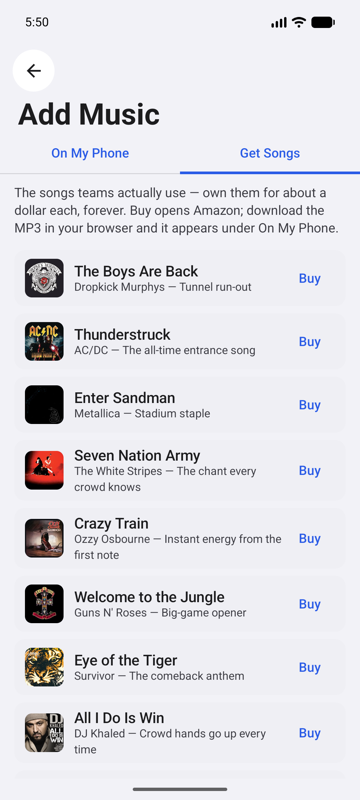
The classics teams use, with a buy link — about a dollar each
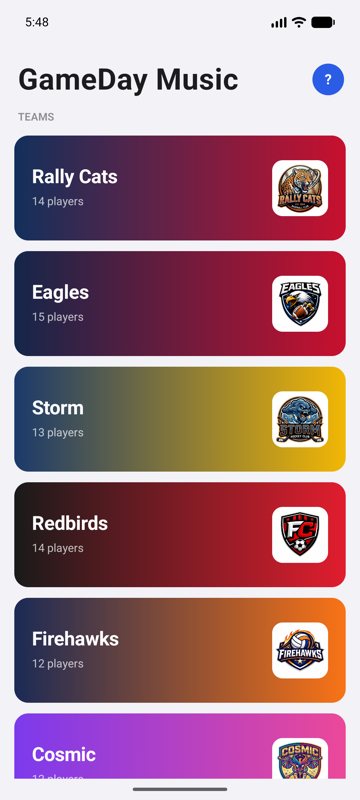
Your colors and crest, ready before the first pitch
A break song ends and the next unplayed one starts — starred songs first, nothing repeated until you reset.
38 premium announcer voices call every name. Fix a pronunciation phonetically and hear a fresh take before you save.
One QR code moves the roster, songs, buttons and announcer between platforms — both directions.
Everything plays from files on the phone. One bar of signal, or none — the music never buffers.
Ten narrated walkthroughs, recorded on an Android phone. Start to finish, about eleven minutes.
Sport, name, colors and a roster — the whole setup in one pass.
1:18What's already on the phone, songs worth owning, and free tracks.
1:12Assign a song to a player and start it where the song gets good.
1:11Big buttons for the big moments, each firing the next song in its list.
0:56Twenty pads on a deck, plus any sound you bring yourself.
0:53Pre-game, in-game and post-game music that keeps itself going.
1:00Join parts of several songs into one track without leaving the app.
1:11The screen you actually hold at the field, and every control on it.
1:04An opening song and your team announced by name, before a ball is in play.
1:14Three ways to have a player announced — free device voice, your own, or a stadium announcer.
1:00GameDay Music for Android is live. Install it, sign in, and 15 voice credits come with the account — enough to announce a full roster before the first whistle.
Want to see it run first? Watch the walkthroughs →
Or email support@gamedaymusic.app directly.