Learn the app
Every walkthrough here is narrated, recorded on a real phone, and kept current with the app.
Pick your sport
Each one has its own board, its own buttons and its own walkthrough. Start with your sport.
 Baseball2:16 walkthrough · Walk-Up Song
 Softball2:16 walkthrough · Walk-Up Song
 Football2:09 walkthrough · Touchdown Song
 Basketball2:13 walkthrough · Scoring Song
 Soccer2:16 walkthrough · Goal Song
 Hockey2:18 walkthrough · Goal Song
 Lacrosse2:13 walkthrough · Goal Song
 Field Hockey2:05 walkthrough · Goal Song
 Volleyball2:17 walkthrough · Entrance Song
 Wrestling2:19 walkthrough · Entrance Song
 Cheer2:17 walkthrough · Routine Music
 Flag Football1:47 walkthrough · Touchdown Song
 Rugby1:44 walkthrough · Try Song
 Cricket1:41 walkthrough · Walk-Out Song
 Golf1:40 walkthrough · Hole Song
These are recorded on an iPhone. On Android the app is close but not identical — ten walkthroughs shot on an Android phone cover it.
The same on every sport
Setup, music, voice intros and the features that work the same way in every sport.
Getting Started
Setup
 ▶1:36
▶1:36Team Setup
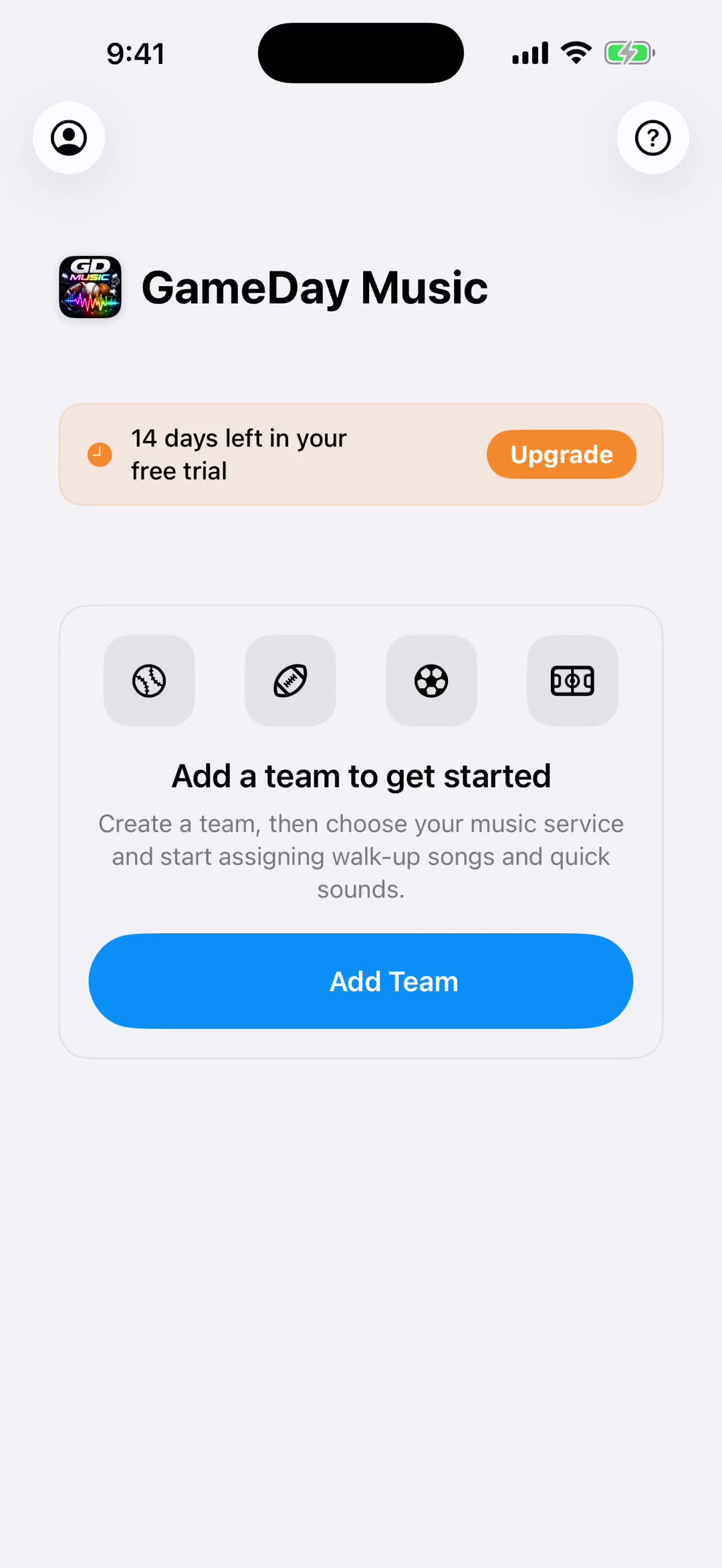
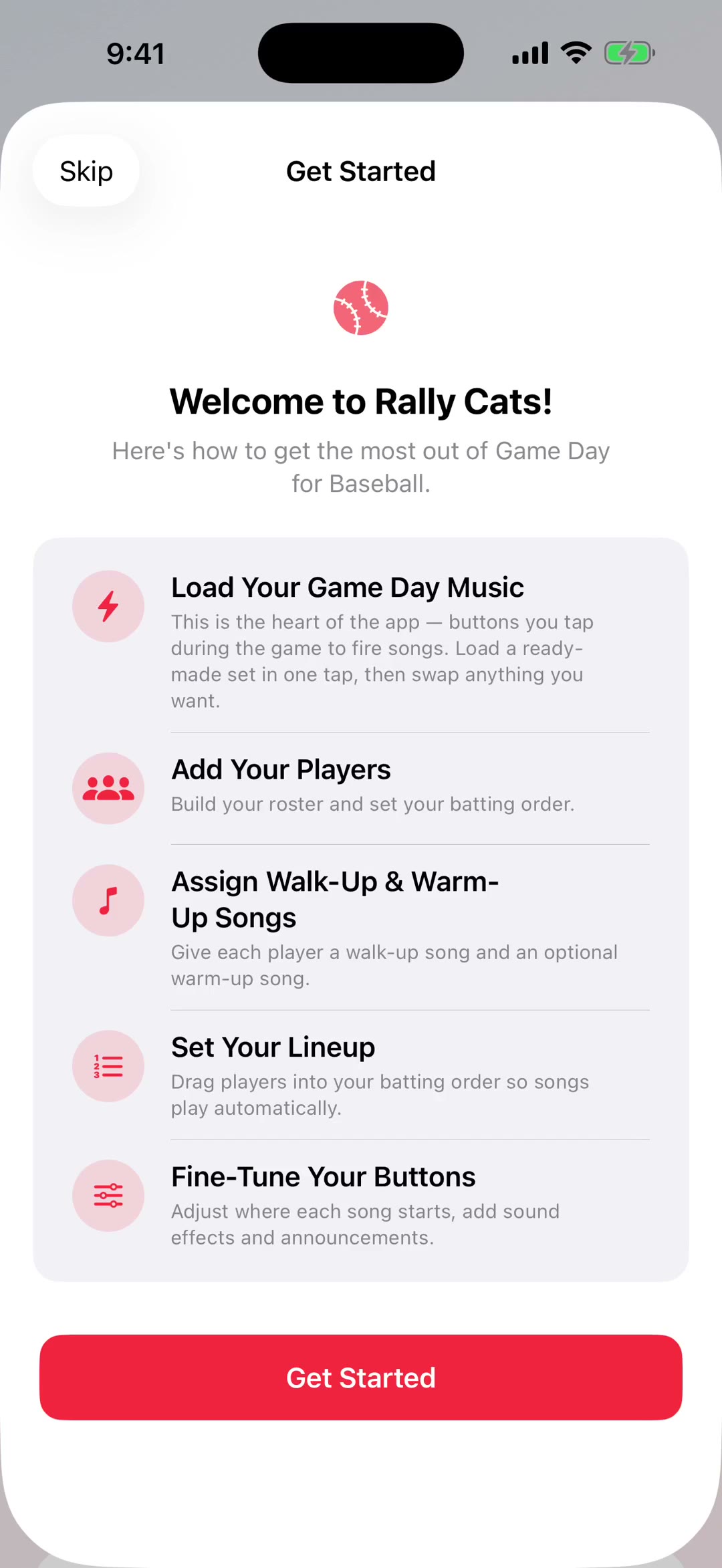
Team branding, roster setup & walk-up songs.
 ▶2:09
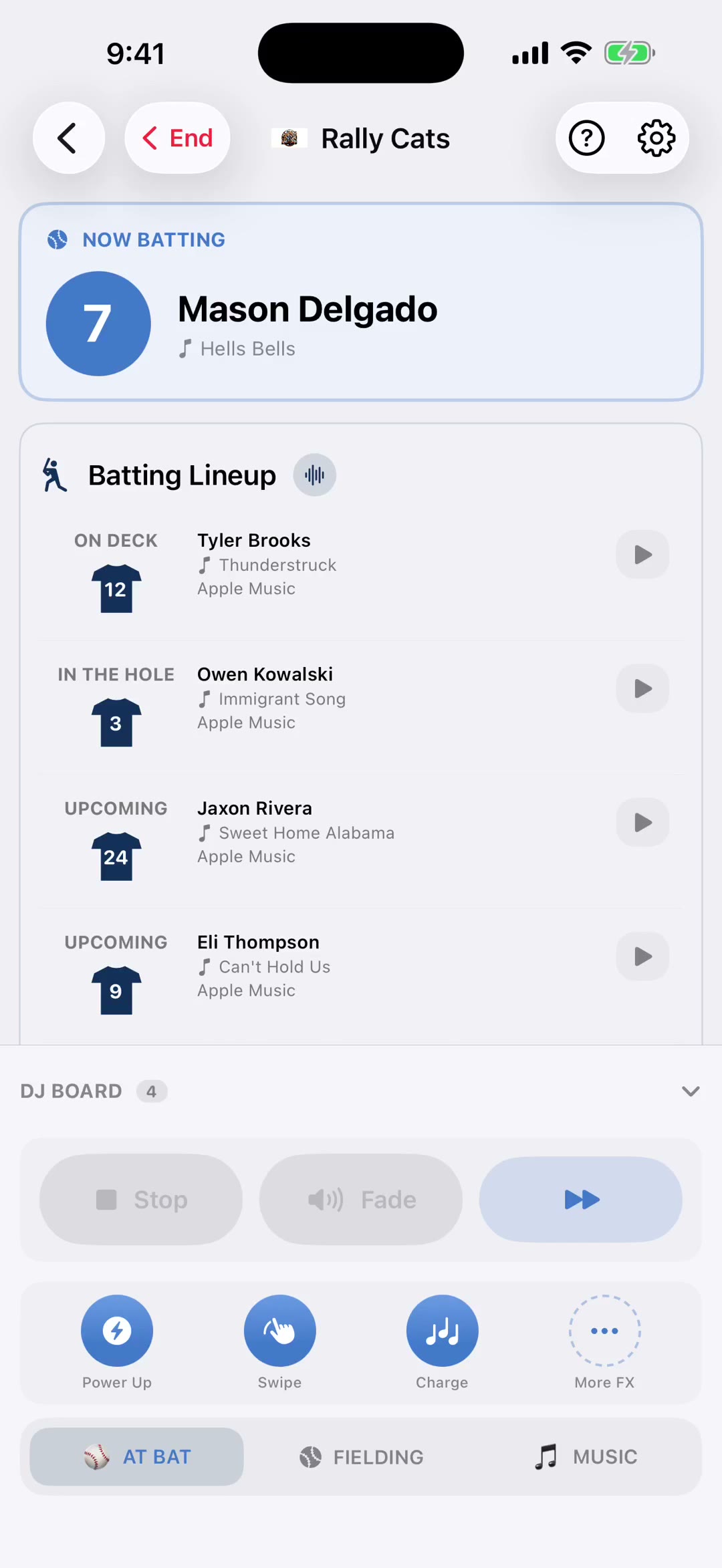
▶2:09DJ Board
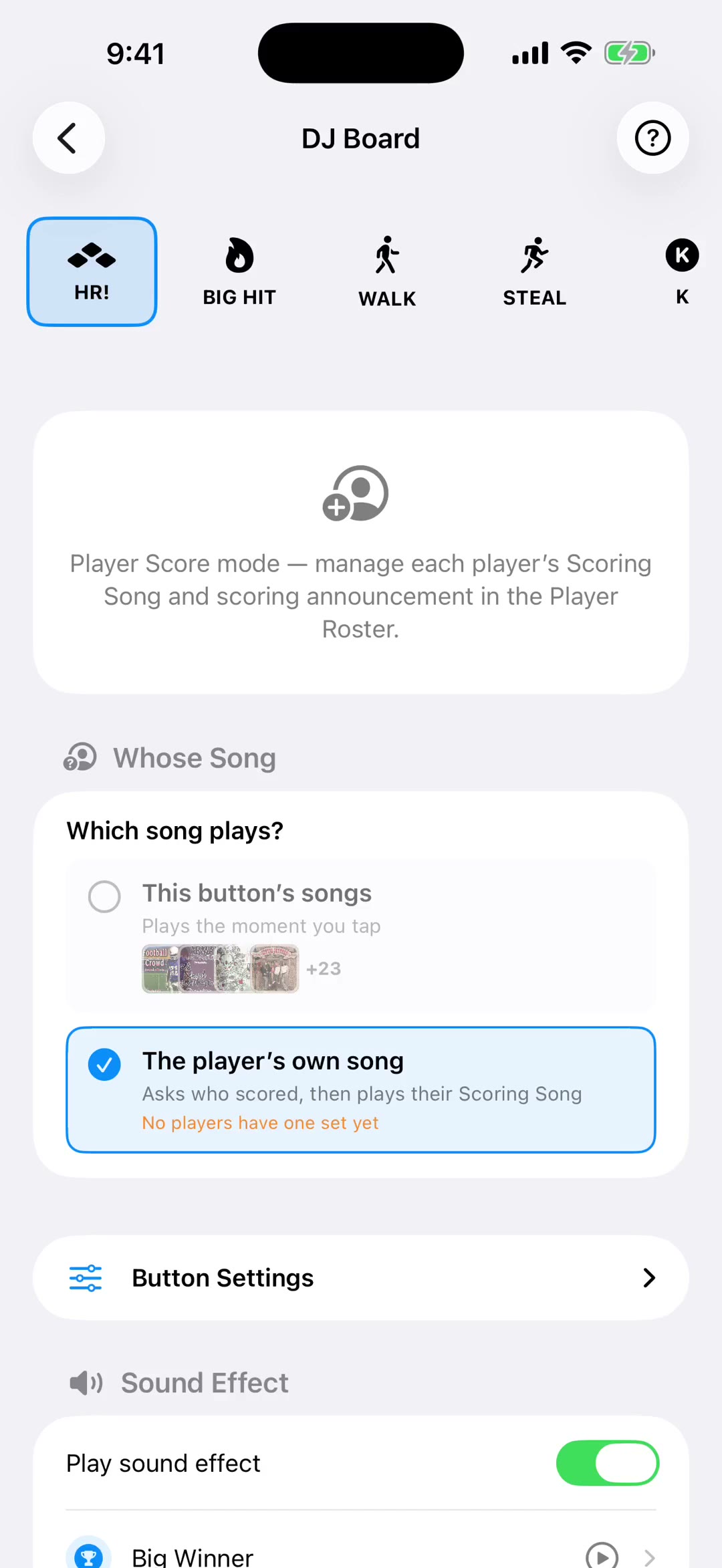
Set up songs, sound effects & voice announcements for big play buttons.
 ▶1:25
▶1:25Sound Effects
Set up quick sound slots, import custom audio, and use the FX board during games.
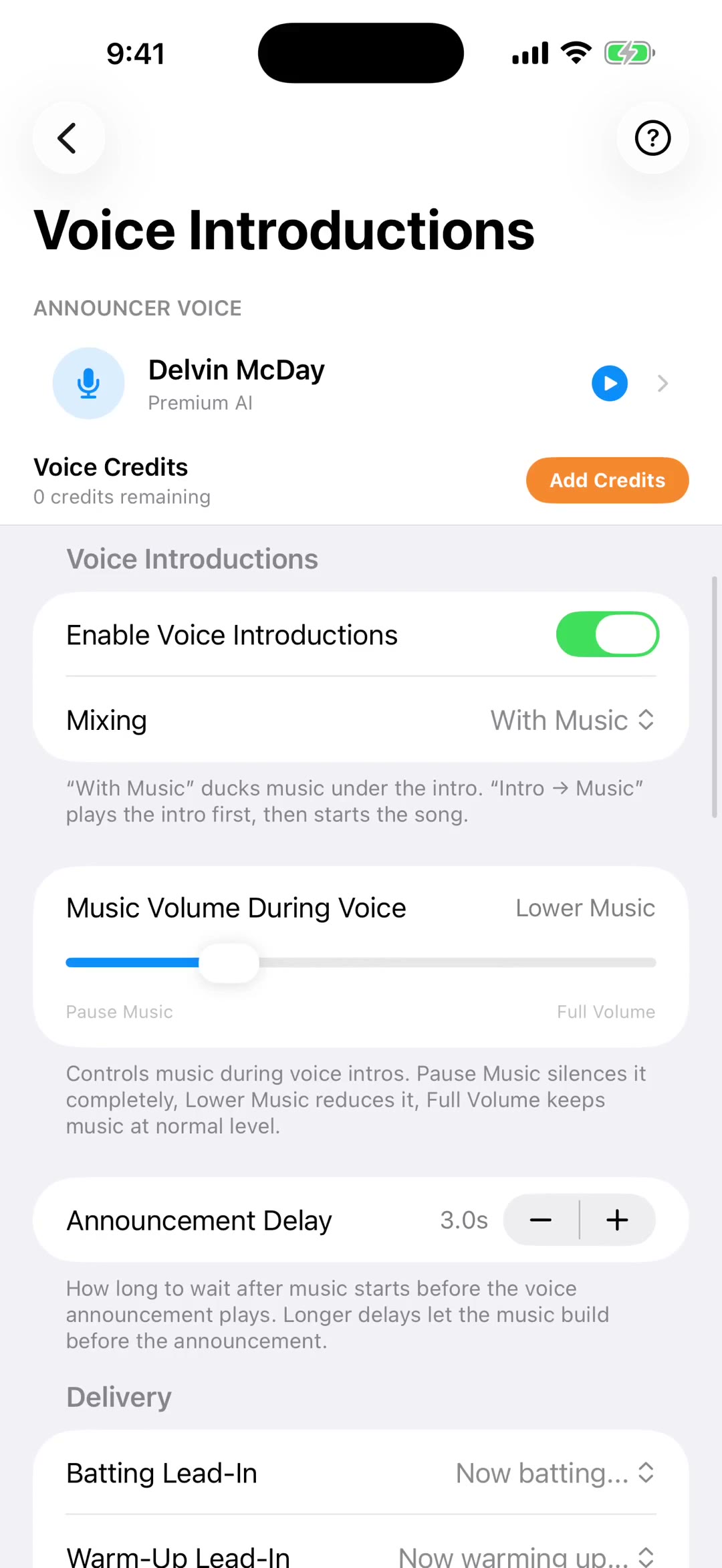
Voice Introductions
Features
 ▶1:45
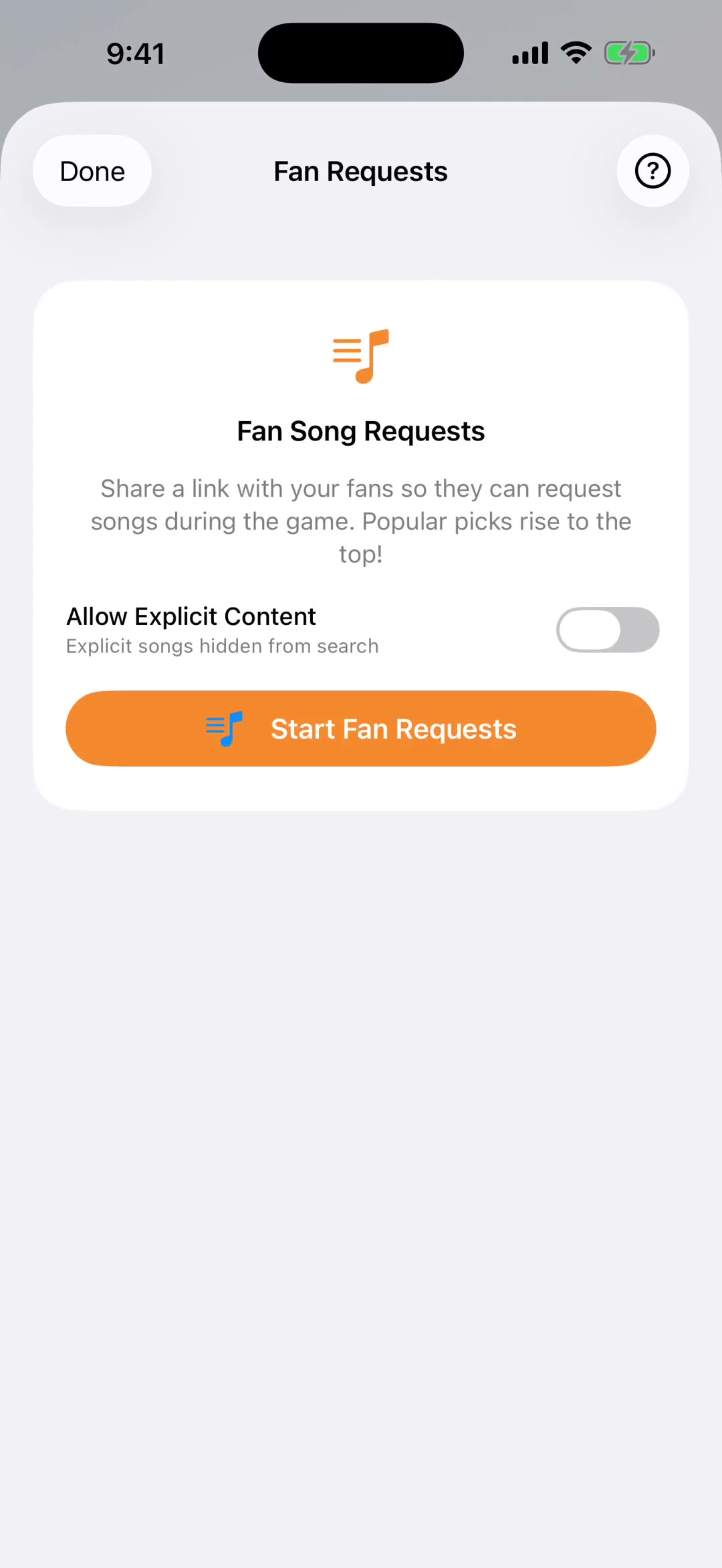
▶1:45Fan Song Requests
Let fans request songs live during games by QR code, text, or email.
 ▶1:28
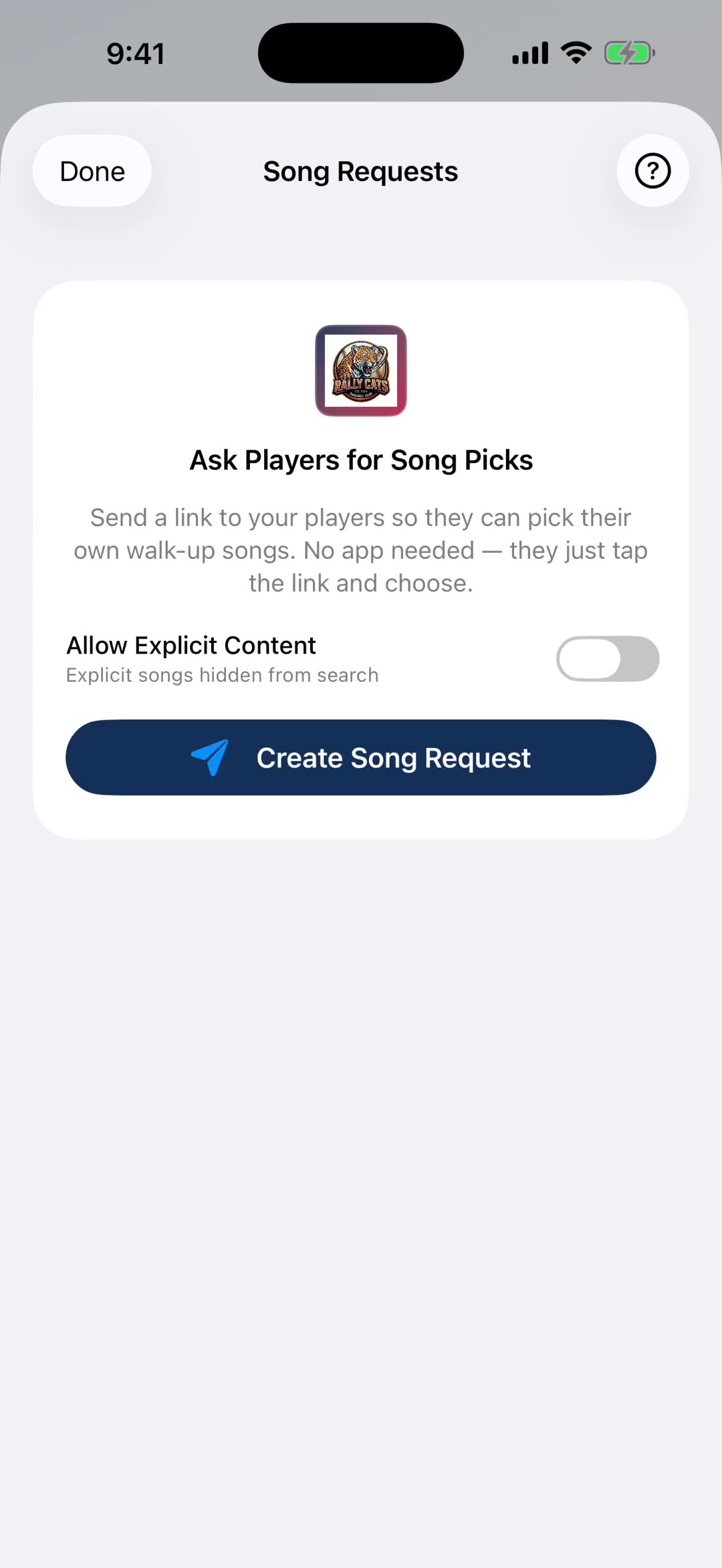
▶1:28Message Players
Let players pick their own walk-up, entrance, or celebration songs. Send a link, collect submissions, and apply them all at once.
 ▶1:53
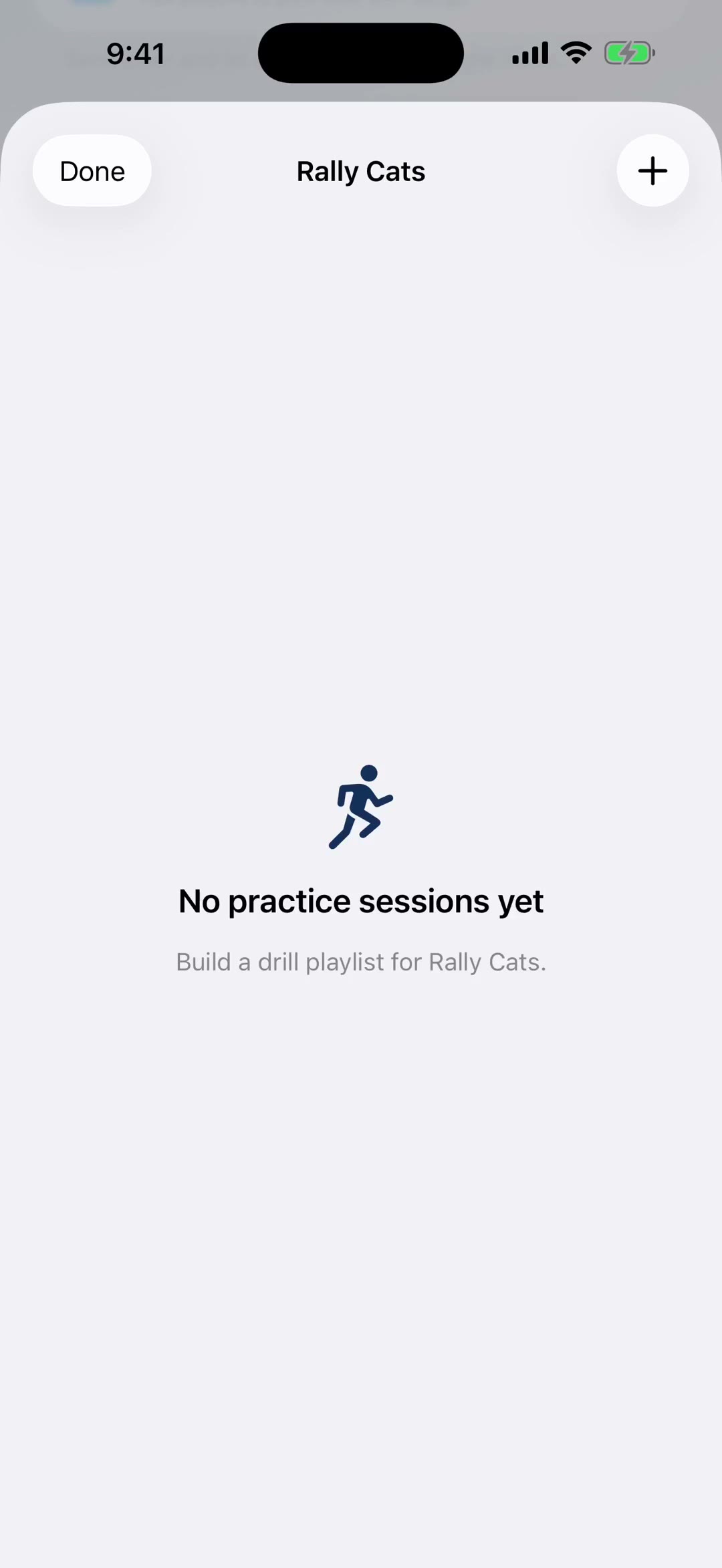
▶1:53Practice Mode
Run timed drills with music, sound effects, and a buzzer between sets. Curated playlists built in.
 ▶2:12
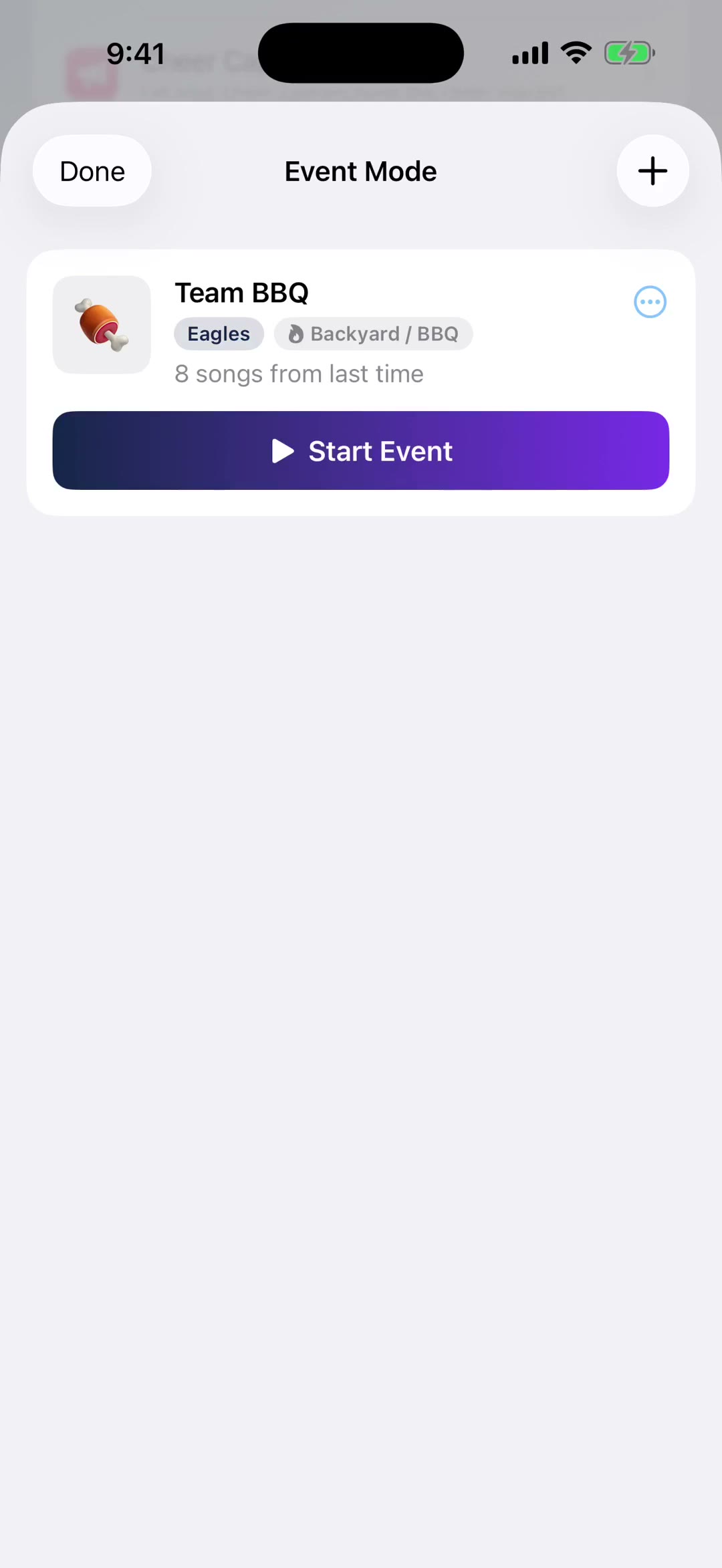
▶2:12Event Mode
Create events with custom playlists, crowd song requests via QR code, and live playback controls. Perfect for pep rallies, banquets, and team events.
 ▶1:35
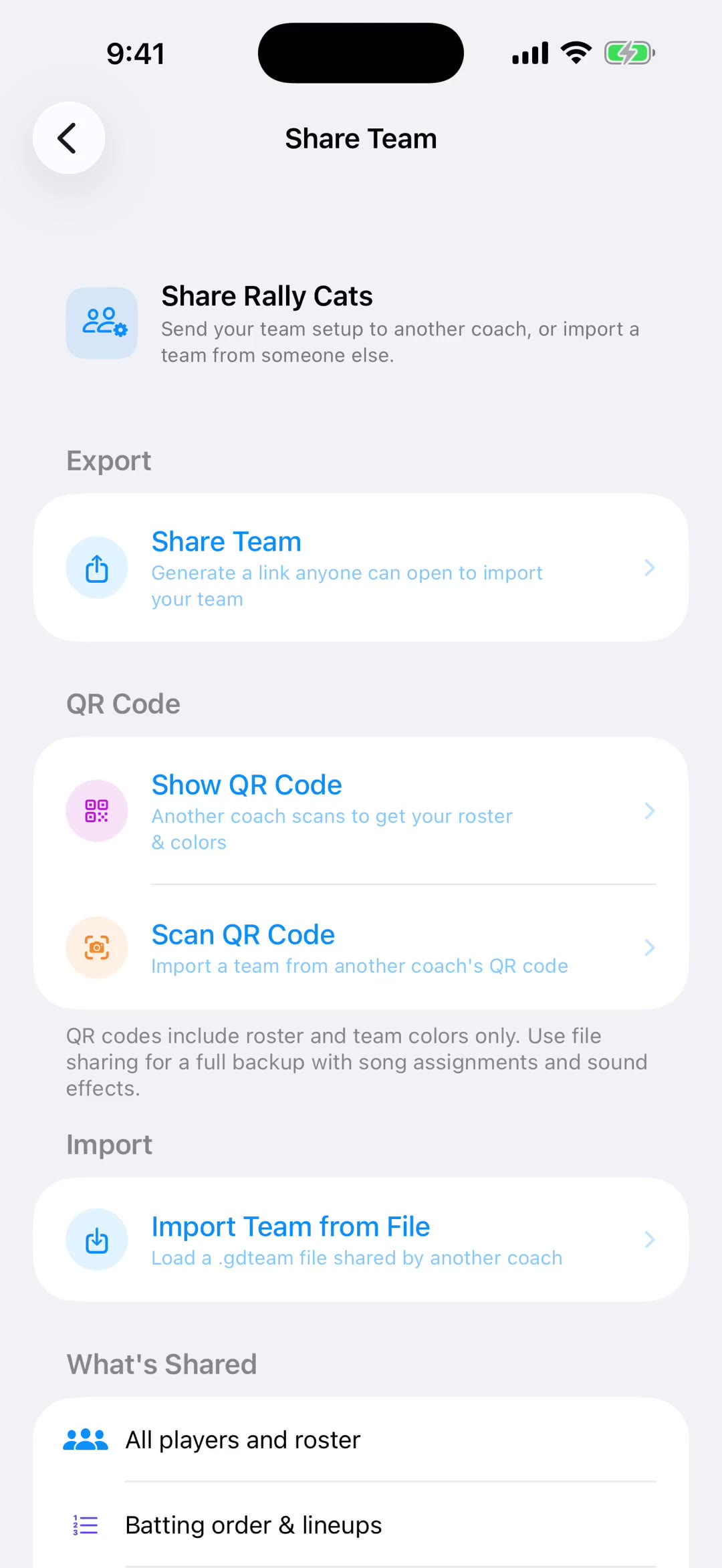
▶1:35Team Sharing
Share your full team setup with someone else on your team — players, lineup, sound effects, walk-up songs, and voice intros. Recipients get a preview before importing.
 ▶1:10
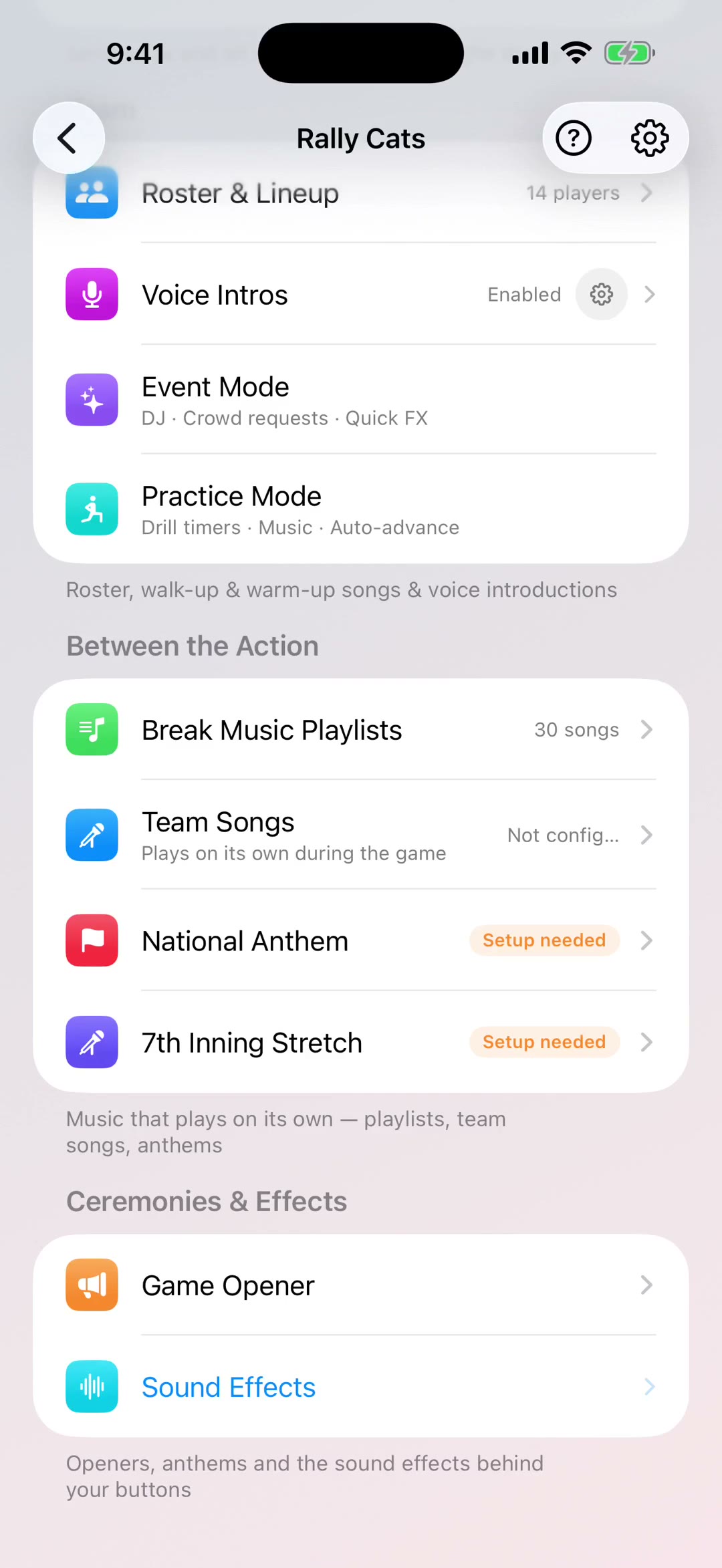
▶1:10Game Opener
Park a song to open the game and fire it with one tap. Add staff and roster introductions over the top when you want the full pre-game show.
 ▶1:35
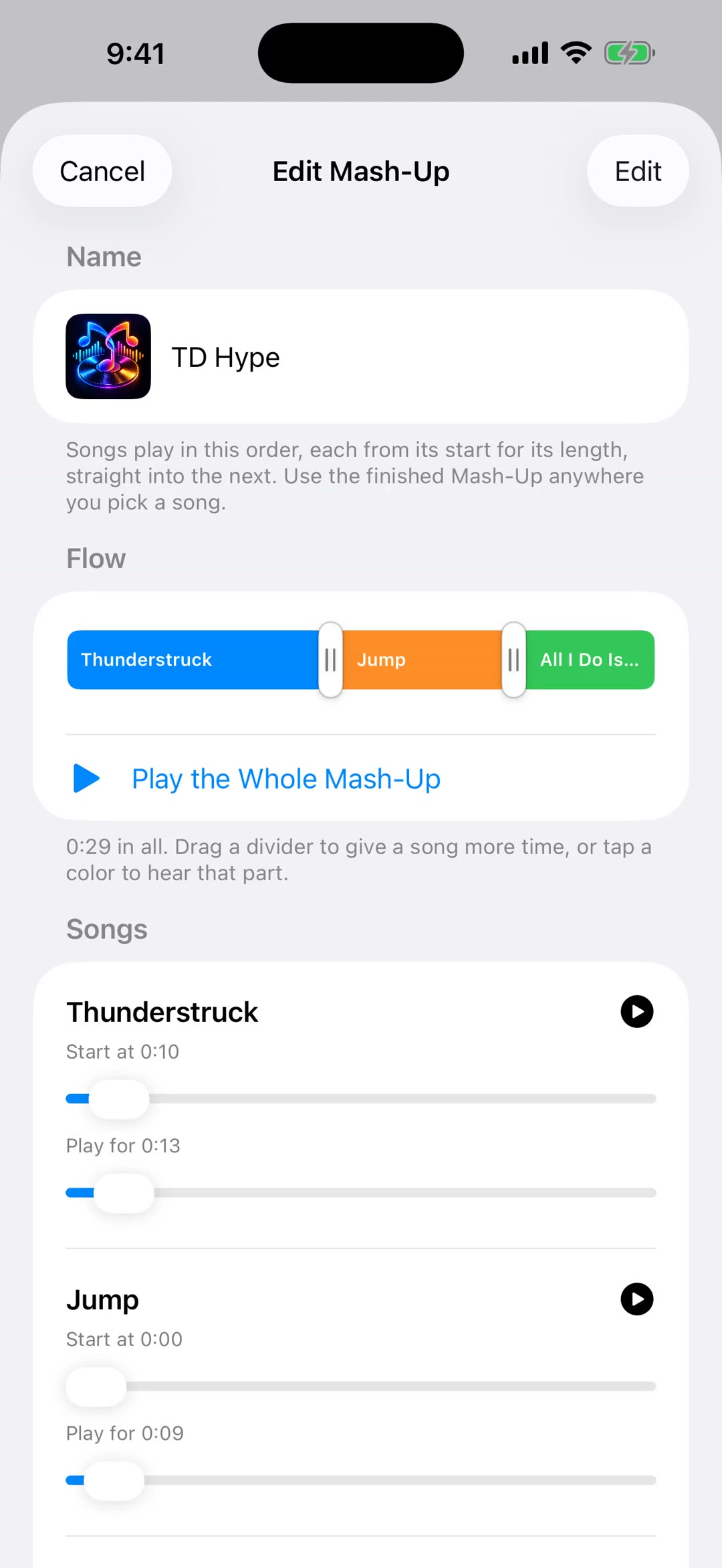
▶1:35GameDay Mash-Ups
Join parts of songs into one track — a team intro running straight into two hype songs — then use it anywhere you pick a song.