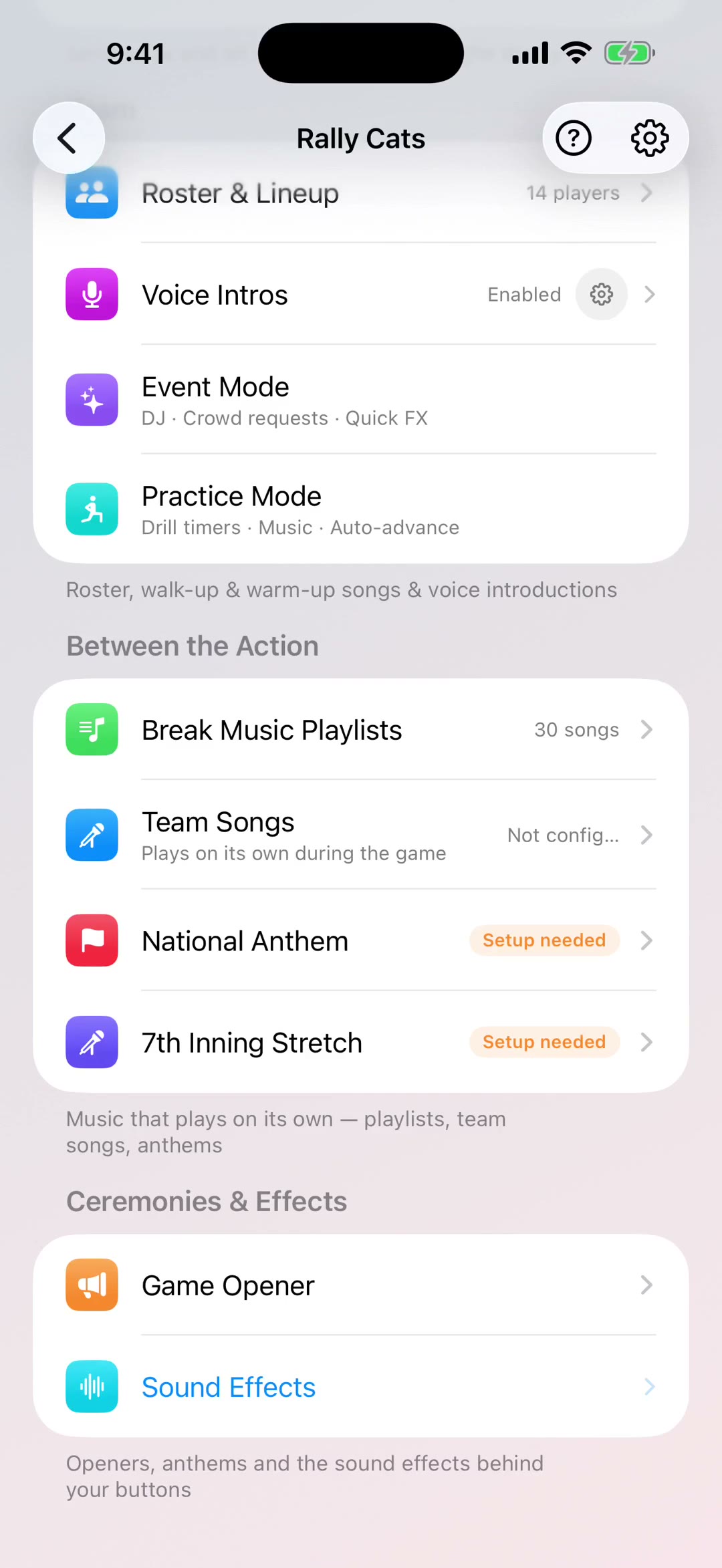
Event Mode
Create events with custom playlists, crowd song requests via QR code, and live playback controls. Perfect for pep rallies, banquets, and team events. This 2:12 walkthrough was recorded on an iPhone with a baseball team, because this part of the app works the same way whatever sport you run. The narration is written out below if you would rather read than watch.
What the video says
The narration, line by line, as it is spoken in the video.
Event Mode is for everything around the season that isn't the game itself. Team parties, tournament weekends, fundraisers, end-of-season barbecues. The idea is simple: instead of you standing over a phone all night taking requests, everybody in the room picks the music.
Create an event, give it a name and an emoji, and choose a backdrop that suits the day — beach, backyard barbecue, bonfire, pool party or dance. That artwork is what people see when they open your request page, so it sets the tone before anyone's added a song.
Each event sits on a card, and the card starts it. There's no setup screen to get through first and no playlist to build in advance — that's the part people expect and it isn't how this works. You start the event empty, and the crowd fills it.
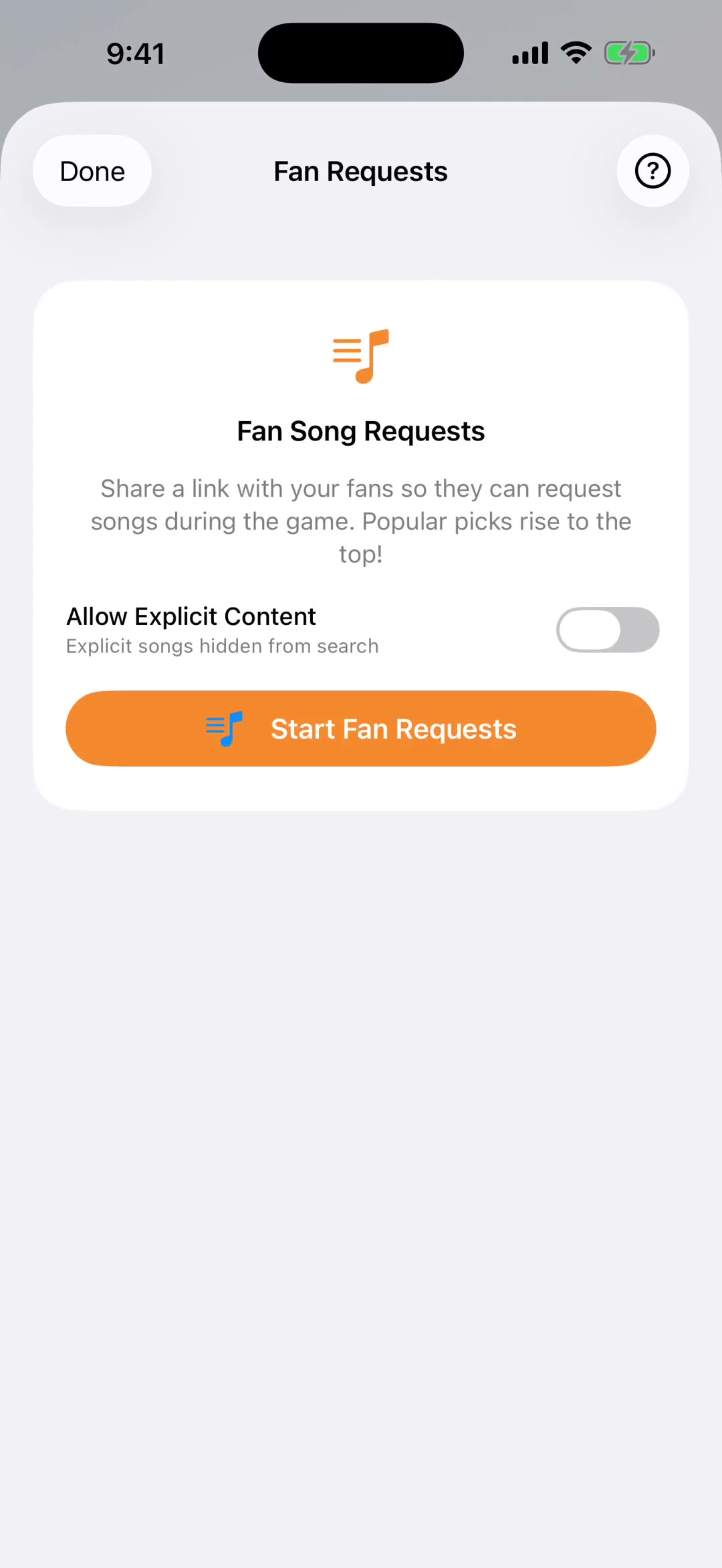
Once it's running, Invite the Crowd gives you a QR code and a link you can text or email. People scan it, search for a song, and add it. No app download, nothing to install.
Everyone can upvote everyone else's picks, so the queue orders itself by what the room actually wants. Two people asking for the same song doesn't clutter it — that merges into one request with two votes.
There's a live chat next to the queue as well, so the room can talk while the music runs. You can moderate it from your phone if you need to.
You stay in control of what plays. Nothing goes to the speakers until you tap it. Played songs get marked so you can see what's already been used, and if you want to run the whole thing again later in the night, one tap puts every request back in the queue.
When you end the event, the crowd's queue is kept on it. That's the part worth knowing: the playlist isn't something you built beforehand, it's what the night produced — and you can save the whole thing into one of your team playlists to use again.
Event Mode is part of Coach Pro, and it's included in the free trial, so you can run a whole party on it before deciding.