Message Players
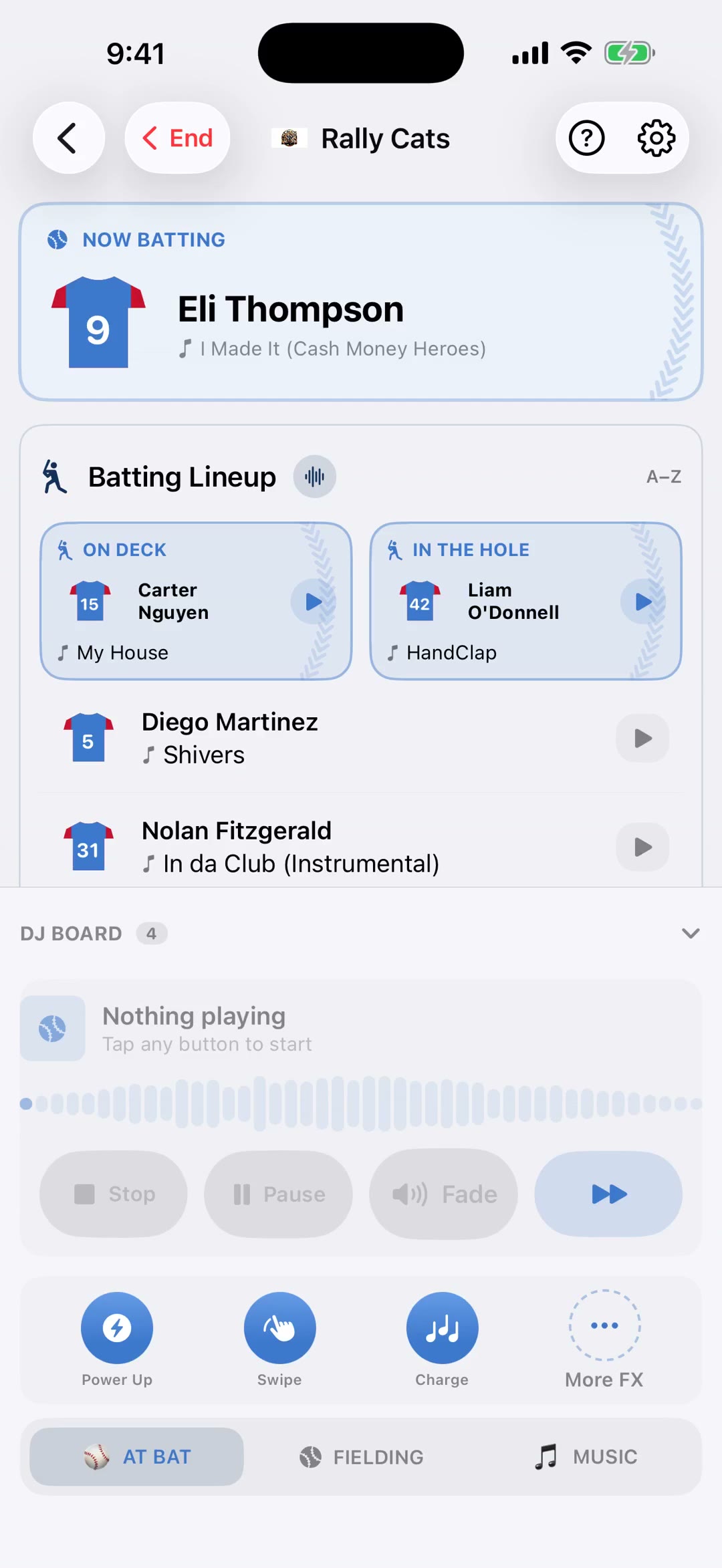
Let players pick their own walk-up, entrance, or celebration songs. Send a link, collect submissions, and apply them all at once. This 1:28 walkthrough was recorded on an iPhone with a baseball team, because this part of the app works the same way whatever sport you run. It is a step in the setup path for Baseball, Softball, Football, Basketball, Soccer, Hockey, Lacrosse, Field Hockey, Volleyball, Wrestling, Cheer, Flag Football, Rugby and Cricket. The narration is written out below if you would rather read than watch.
 Baseball
 Softball
 Football
 Basketball
 Soccer
 Hockey
 Lacrosse
 Field Hockey
 Volleyball
 Wrestling
 Cheer
Cheer Flag Football
 Rugby
Rugby Cricket
What the video says
The narration, line by line, as it is spoken in the video.
Instead of chasing your roster for walk-up songs, let the players choose their own. It's the same idea as fan requests, pointed at your team instead of the crowd.
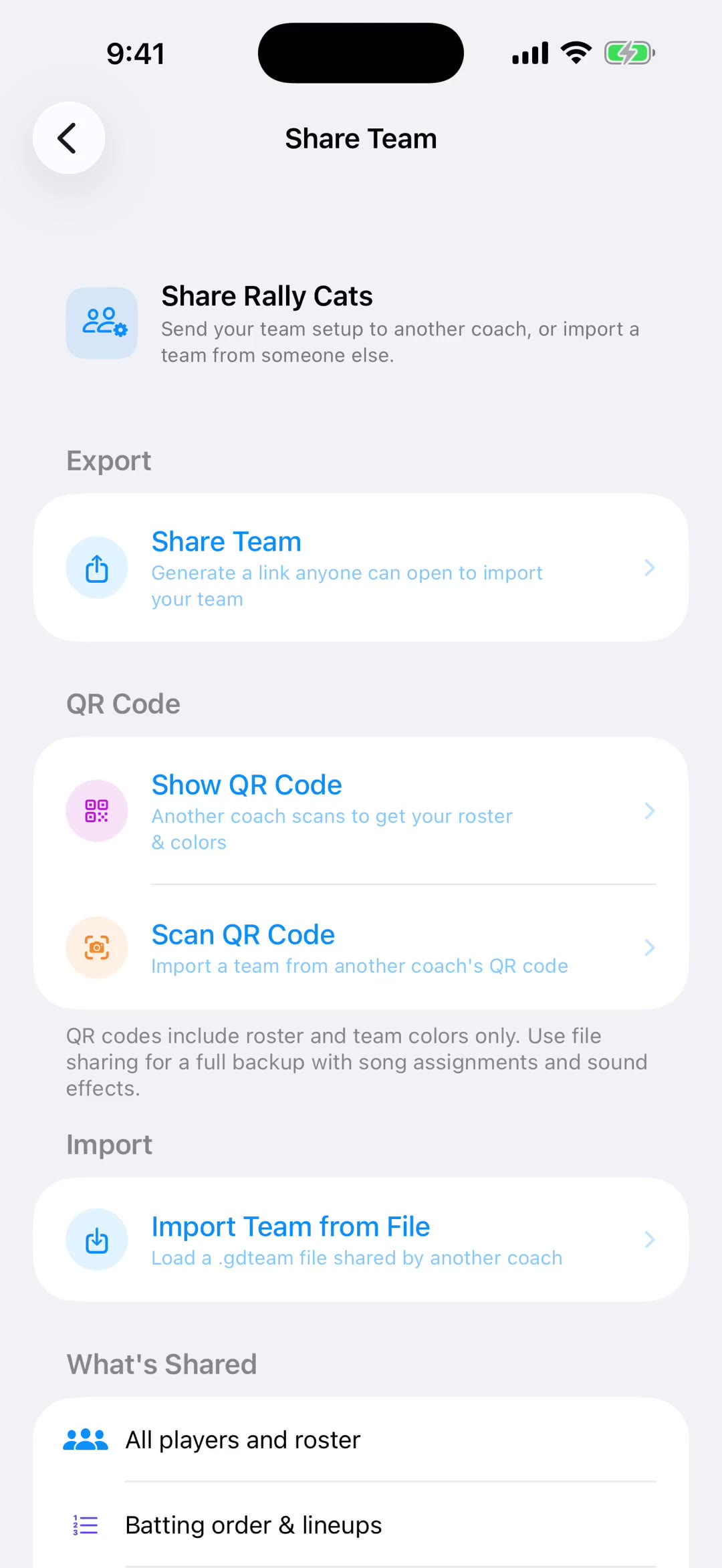
Start a session and send the link, or show the QR code at practice while everyone's standing there anyway. Each player picks their track on their own phone.
Their picks come back to you as suggestions, not as changes. You review the list and apply the ones you want — so a player choosing something you'd rather not play at eight in the morning doesn't just go live.
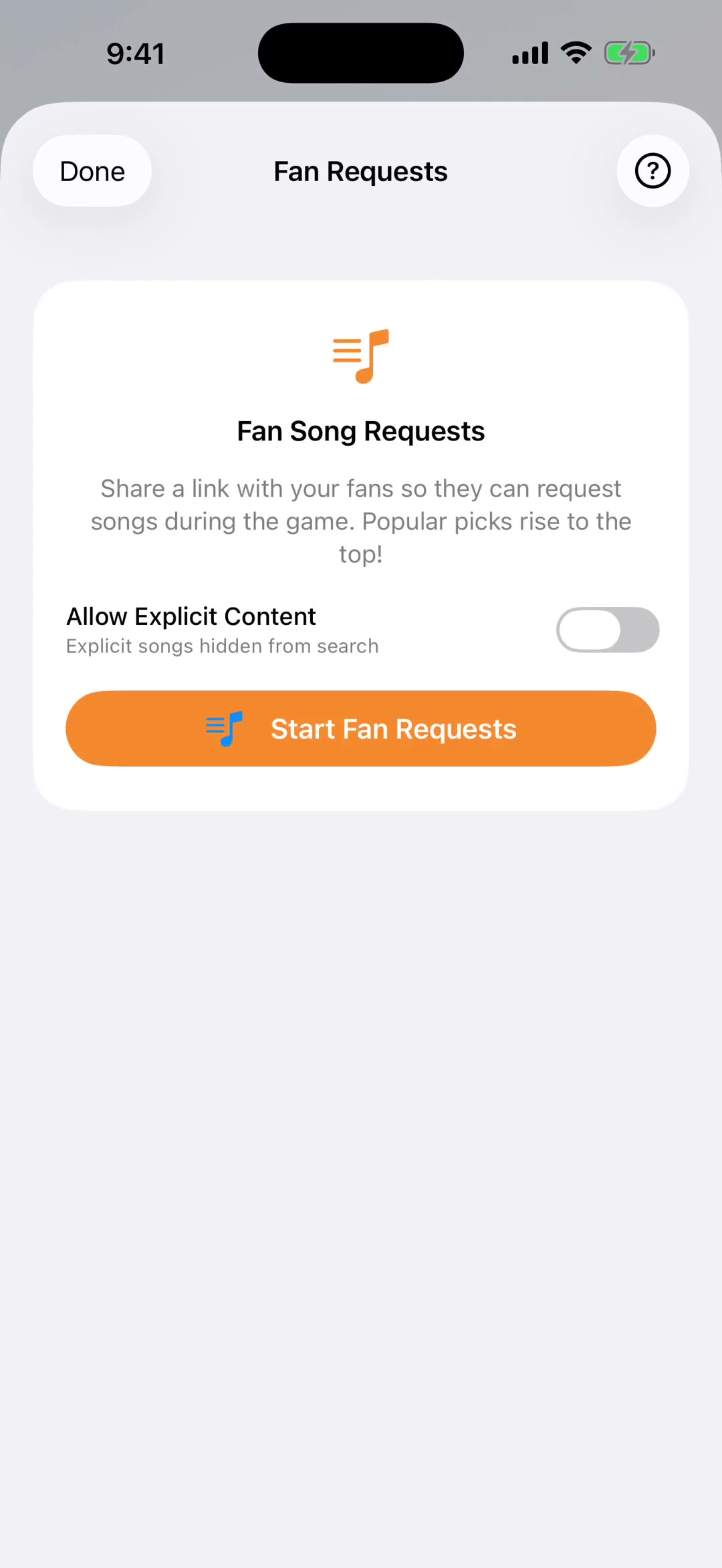
The explicit filter keeps explicit tracks out of their search results entirely, which matters for youth teams.
Once a song is applied it becomes that player's walk-up track, and you can still set exactly where it starts — so you get the part they wanted, not the intro.
Sessions stay open for fourteen days, so there's no rush to collect everyone in one evening. Stragglers can add theirs later in the week.
And the page they see carries your team's colors and logo, so it looks like it came from you rather than from some app.
If you'd rather not review each one, there's a switch for that. Turn on Auto-Apply and a player's choice goes straight onto their roster slot the moment they pick it. Handy for an older squad you trust; leave it off for the age group where you'd rather see the song first.