Baseball Game Day
Complete walkthrough of baseball game day mode — batting, fielding, and playlist music. This 2:16 walkthrough opens Game Day for Baseball and goes through it tab by tab: At Bat, Fielding and Music. The board has 8 buttons — HR!, BIG HIT, WALK, STEAL and the rest — each with a sound effect and a song behind it. It is the last step in the Baseball setup path; the steps before it are the same on every sport. The narration is written out below if you would rather read than watch.
 Baseball
 Softball
What the video says
The narration, line by line, as it is spoken in the video.
This is Game Day for baseball. It's the one screen you run the whole game from, and everything you need is a single tap away.
From your team's home screen, tap Game Day to go live.
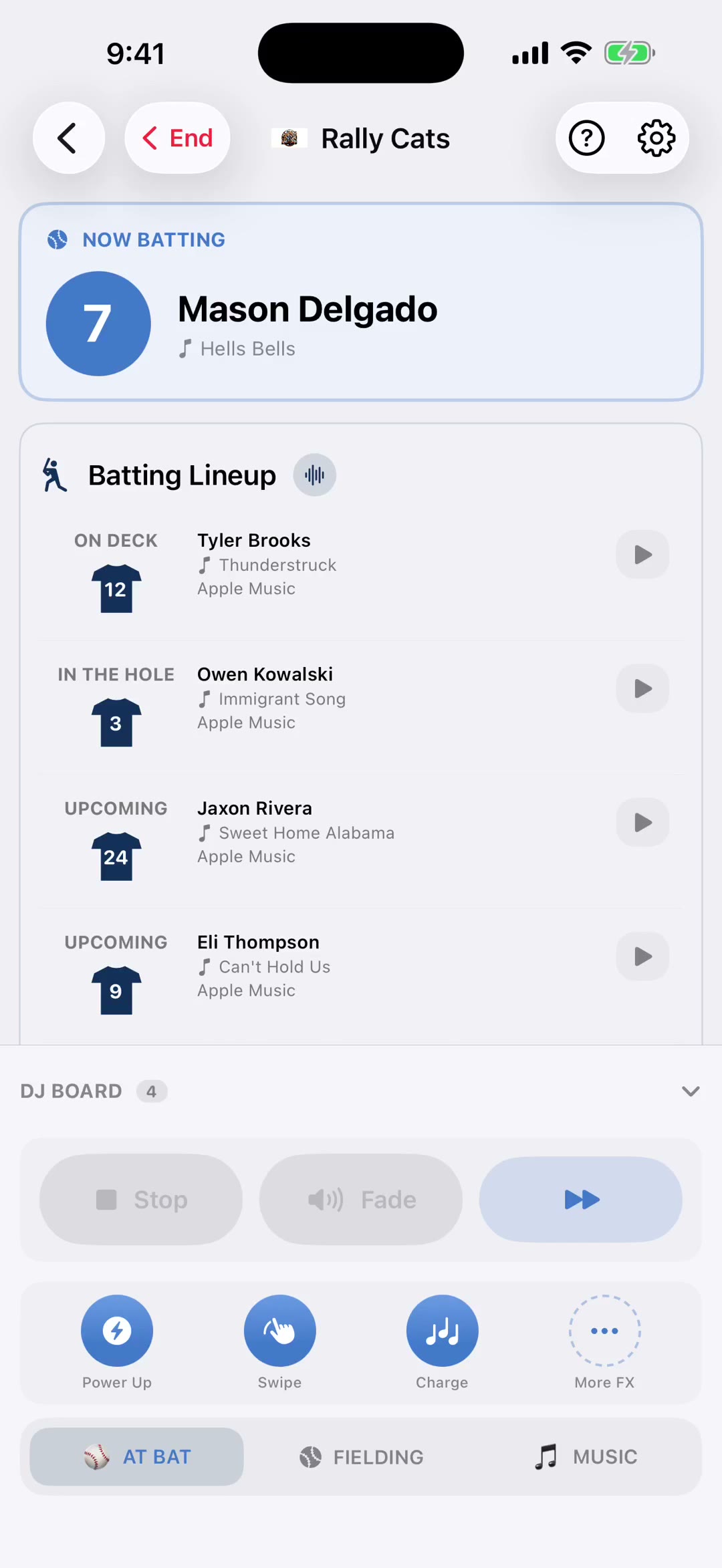
You land on the At Bat tab. The Now Batting card at the top shows who's up, along with the walk-up song that plays as they come to the plate.
Underneath is your batting lineup, in order. On deck, in the hole, and everyone after them.
Tap any player to play their walk-up. They become the current batter, the card updates, and the order moves with you.
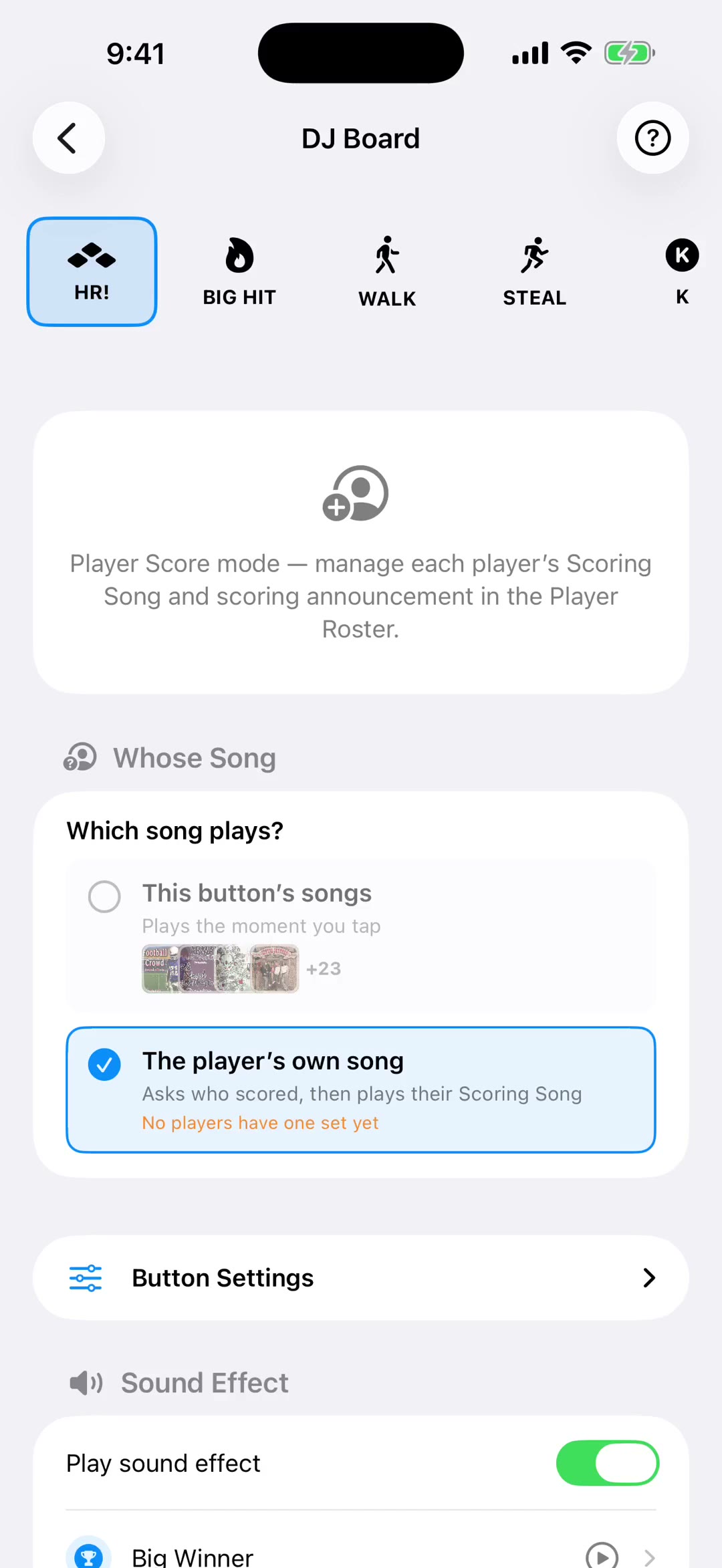
The DJ Board runs along the bottom. Tap the header to open it up. These are your one-tap moments. Home run, big hit, walk, steal. Each button fires its sound effect and its song together.
When a button holds more than one song, a rotate badge appears in the corner. Tap it to line up the next song without playing anything, so the right track is ready before the moment arrives.
Stop, Pause, Fade and Next sit under the board all game, in the same spot every time. Stop cuts the music, Pause holds it, Fade brings it down smoothly, and the last button skips ahead.
The Fielding tab is the other half of the game. Your pitchers are at the top with their warm-up music. Tap one to play it while they're getting loose, or press and hold to pin them to the front of the list.
The board changes with the tab. On Fielding it's defensive moments instead. Strikeout, double play, big out, caught stealing.
The Music tab is everything in between. Pre-game, in-game, post-game, and the songs your fans requested. Tap a chip to switch lists, and tap any song to play it.
Shuffle picks a song you haven't used yet, and Reset Played clears the green checkmarks when you want to start the list over.
Quick sounds sit just above the tabs for instant effects, with More FX for the full library.
When the game is over, tap End. That's baseball Game Day.