Create Your First Team
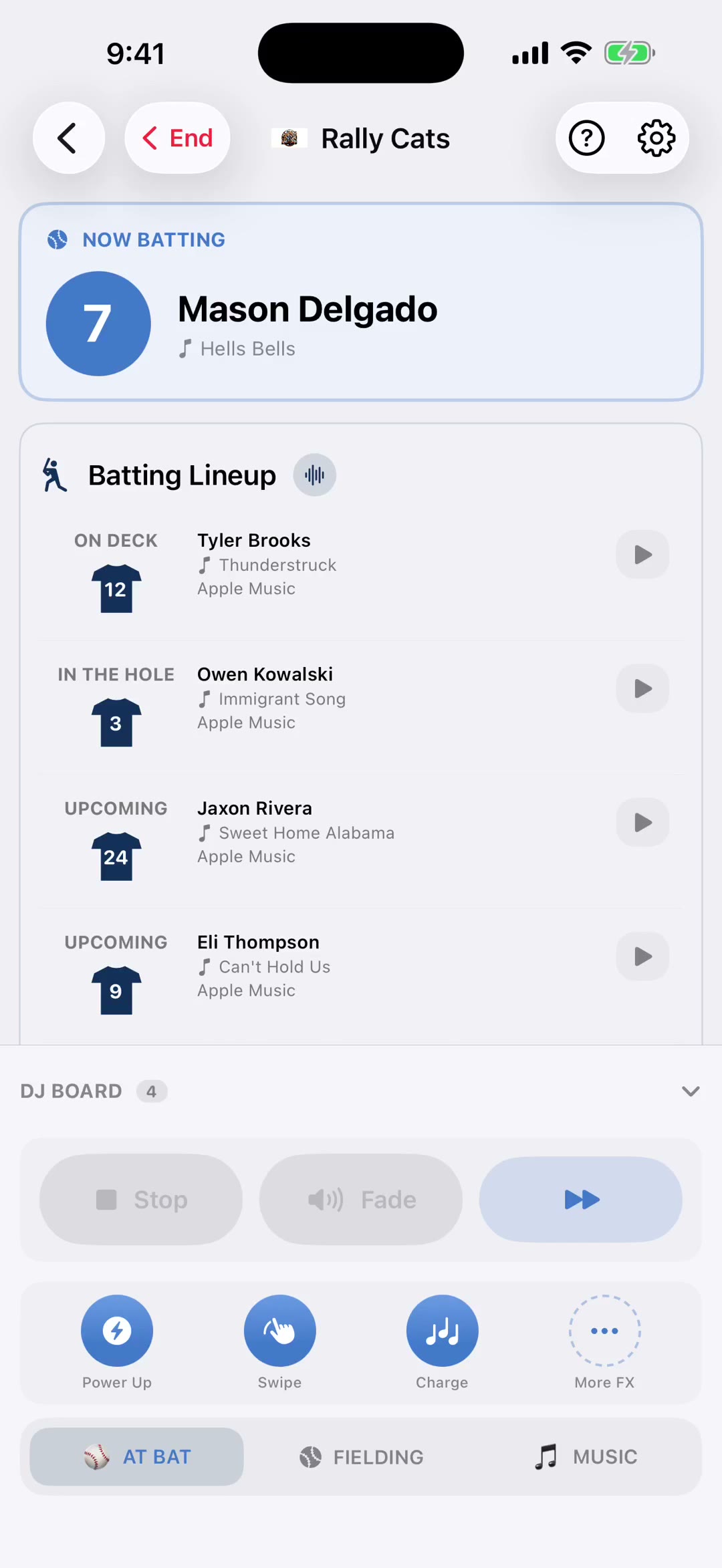
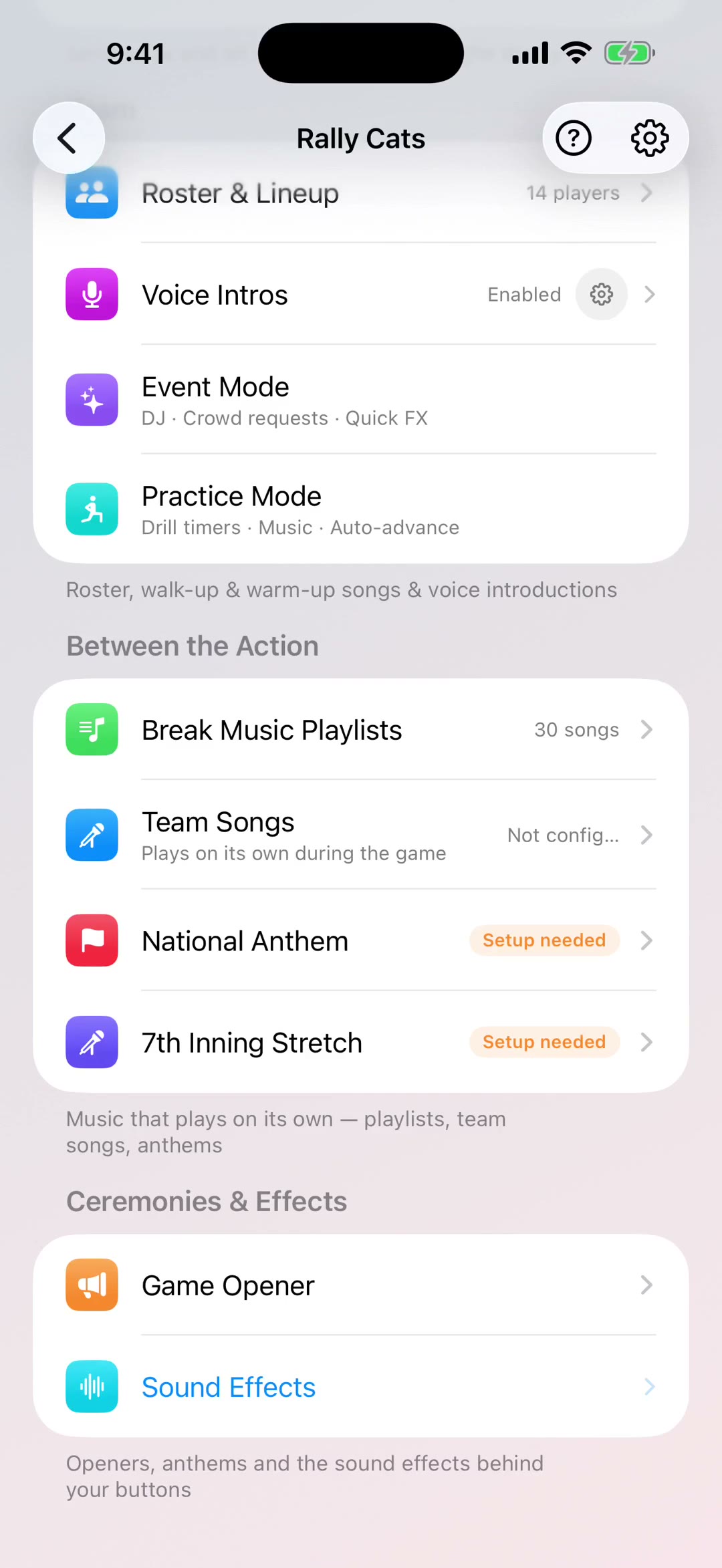
Add your first team in under two minutes. This 2:13 walkthrough was recorded on an iPhone with a baseball team, because this part of the app works the same way whatever sport you run. It is a step in every sport's setup path. The narration is written out below if you would rather read than watch.
 Baseball
 Softball
 Football
 Basketball
 Soccer
 Hockey
 Lacrosse
 Field Hockey
 Volleyball
 Wrestling
 Cheer
Cheer Flag Football
 Rugby
Rugby Cricket
 Golf
GolfWhat the video says
The narration, line by line, as it is spoken in the video.
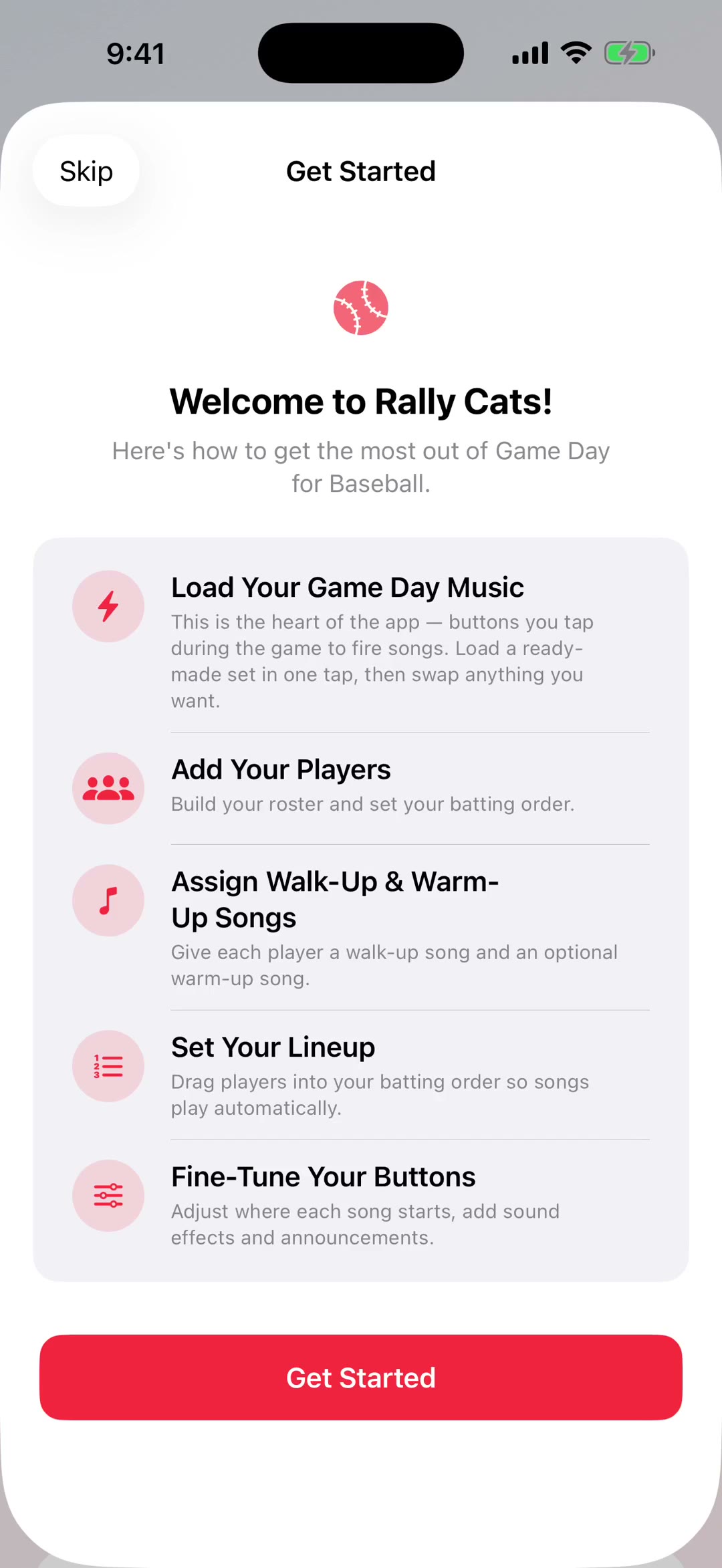
Welcome to GameDay Music. In the next couple of minutes you'll have a team set up and be ready to run a game, so let's start at the beginning.
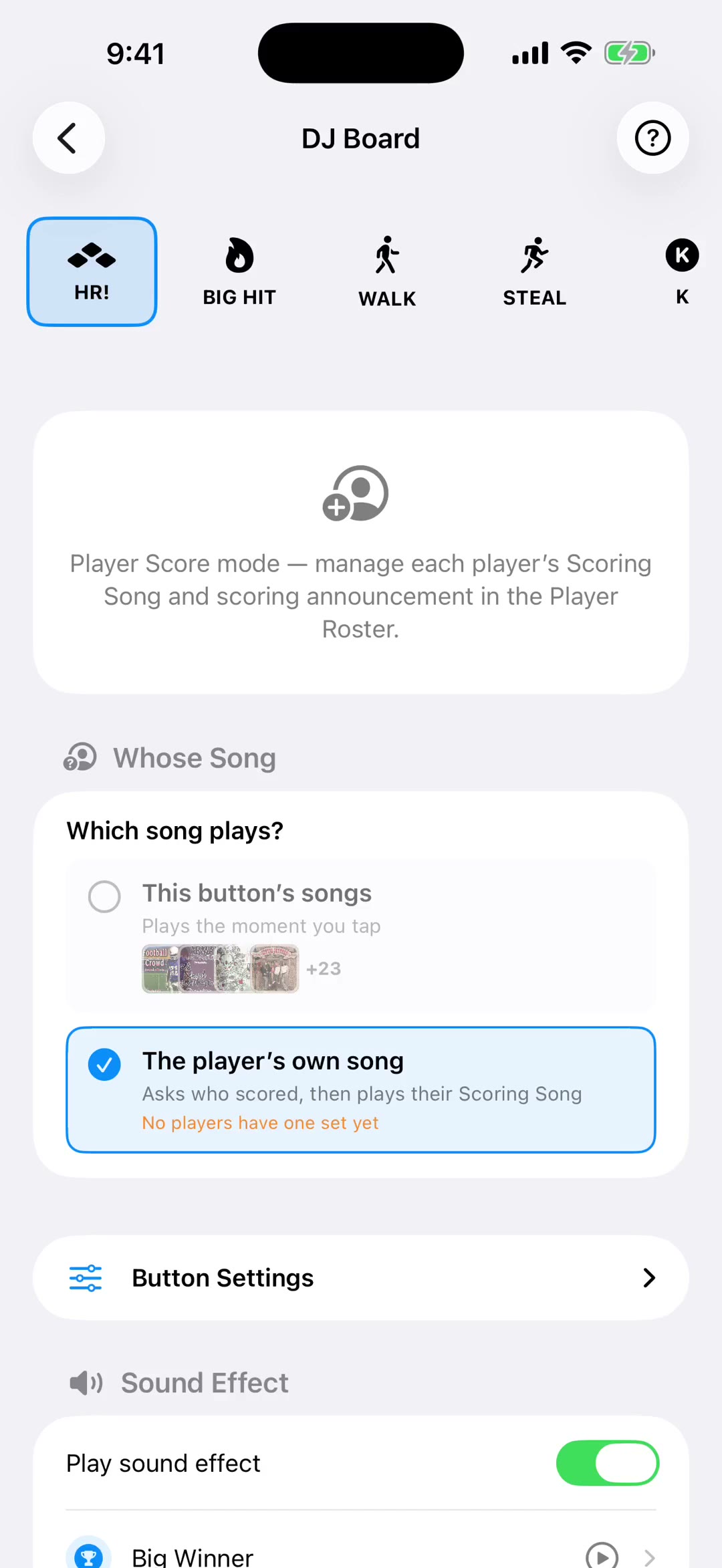
Everything hangs off a team, so that's the first thing you make. A name and a sport — that's the whole form. The sport matters more than it looks: it decides which board you get on game day, which sounds come loaded, and what the announcer says when a player is called.
Colors and a crest come next, under Team Branding. Worth doing early, because the logo doesn't just sit in the app — it shows up on the request page your fans open at the game.
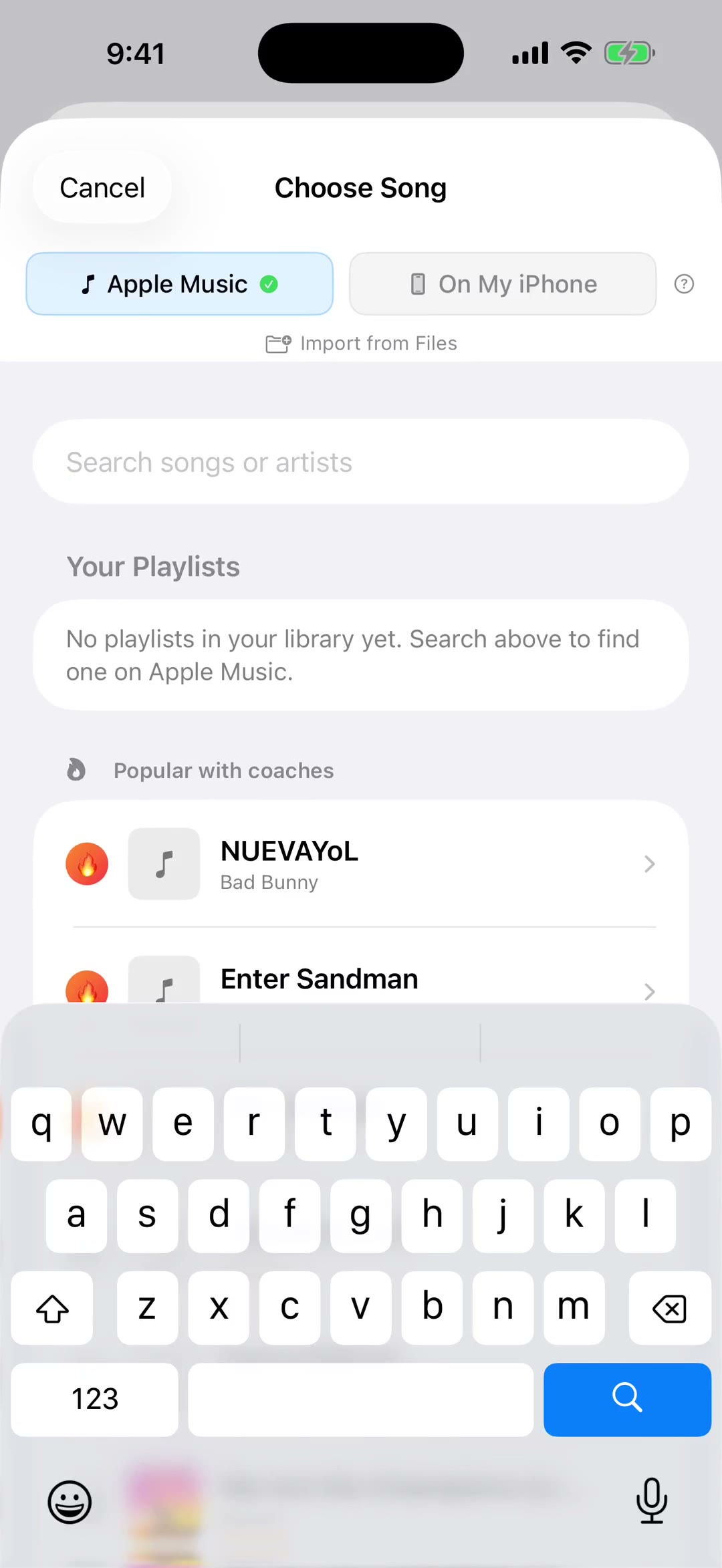
You'll also pick a music source. Apple Music gives you the whole catalog; My Files lets you bring in your own mp3s from Files, iTunes or AirDrop. You don't have to decide forever — it's changeable any time.
Then the app offers you a shortcut. Load My Game Day Music fills every button with a ready-made set for your sport, so you have something that works before you've chosen a single song — and you can swap any of it later. Or take I'll set it up myself and build it from scratch.
Now your roster. Each player gets a first and last name, a jersey number, and a nickname if they go by one. And if you already have the list somewhere — a team email, a spreadsheet, another team in the app — import it rather than typing fifteen names on a phone.
Then the part that makes game day. Every player gets their own song — in football that's a touchdown song and a turnover song, in baseball it's their walk-up. Pick a track, then drag the start point to where the song actually kicks in. Nobody wants eight seconds of intro while a nine-year-old runs onto the field.
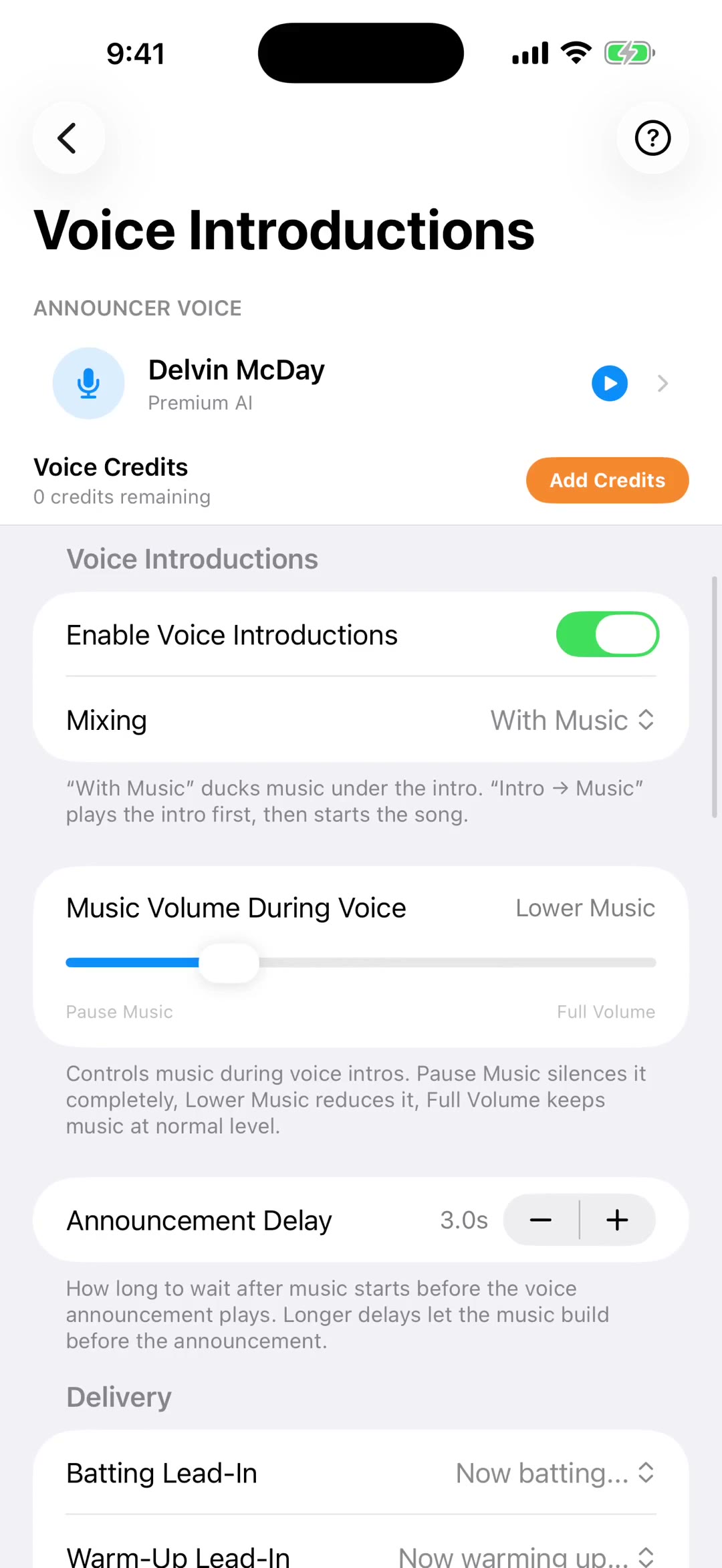
Back on the team screen there's a checklist tracking what's still missing — your roster, walk-up songs, voice introductions and break music. It's a decent order to work through, and you can jump straight to any of them.
And that's the whole setup. Tap Game Day and you're running the game.