Voice Introductions
Record your own voice or use a premium announcer voice for each player. This 2:15 walkthrough was recorded on an iPhone with a baseball team, because this part of the app works the same way whatever sport you run. It is a step in the setup path for Baseball, Softball, Football, Basketball, Soccer, Hockey, Lacrosse, Field Hockey, Volleyball, Wrestling, Cheer, Flag Football, Rugby and Cricket. The narration is written out below if you would rather read than watch.
 Baseball
 Softball
 Football
 Basketball
 Soccer
 Hockey
 Lacrosse
 Field Hockey
 Volleyball
 Wrestling
 Cheer
Cheer Flag Football
 Rugby
Rugby Cricket
What the video says
The narration, line by line, as it is spoken in the video.
Voice introductions announce your players by name, like a real ballpark announcer. You can use a generated voice, or record the whole thing yourself.
Every player on your roster gets a Generate button. Pick which parts of the name to use — jersey number, first name, last name — and it shows you the exact line the announcer will read before you spend anything on it.
Preview it first. If a name comes out wrong — and there's always one — Name Sounds Wrong lets you respell it phonetically until it lands. Then confirm, and that player's introduction is generated and saved.
The announcer voice itself is a choice. Premium the voices sound like a real ballpark announcer, and you can preview one before committing to it. Prefer your own voice? The Add a Voice flow has a record-it-yourself option instead, and that costs no credits at all.
Generated introductions run on voice credits — one per player introduction. Your remaining balance sits at the top of this screen, so you always know where you stand before you generate a whole roster.
What gets saved is a set of clips tied to your team, ready to fire during a game — either on their own, or layered over the player's walk-up song.
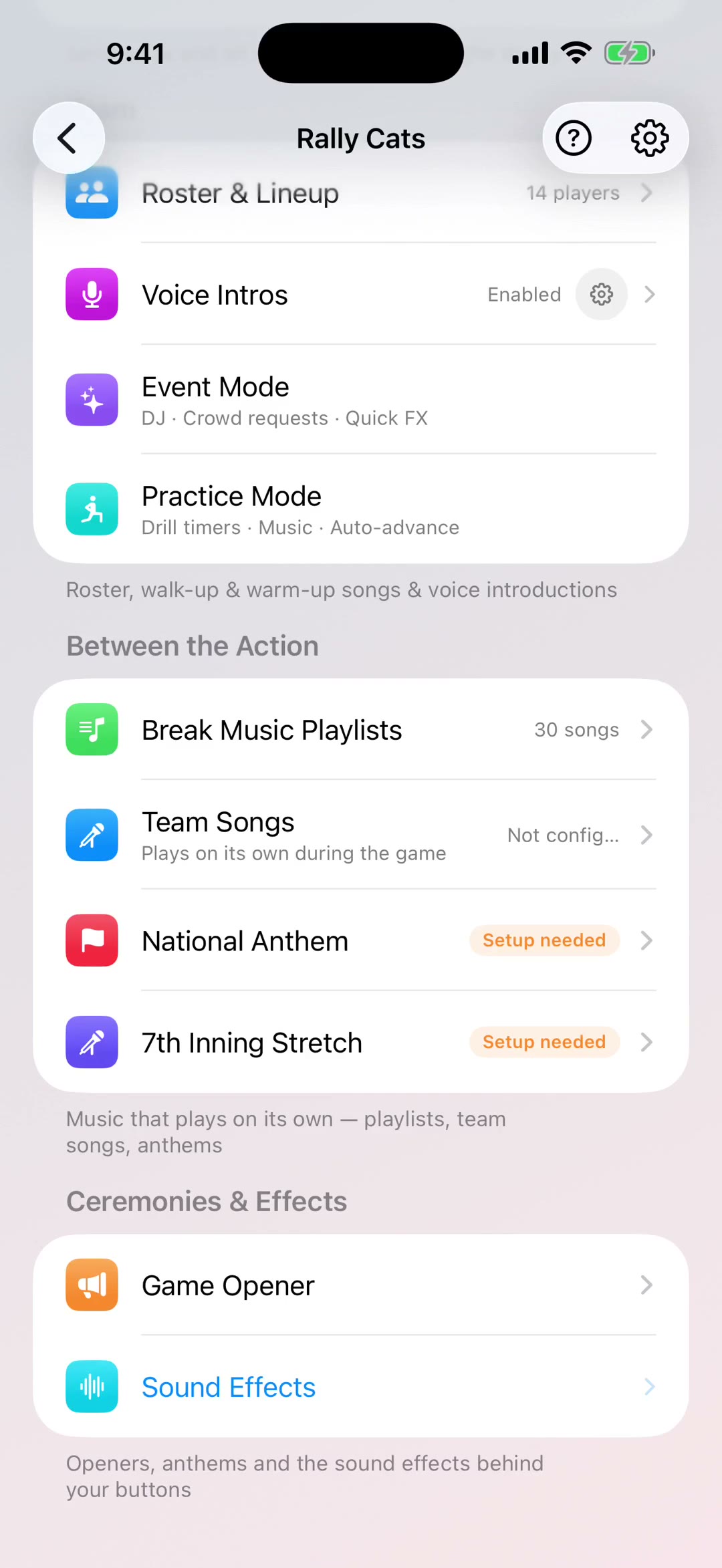
And the whole feature has one switch. Turn voice introductions off and your walk-up songs still play, just without the announcer — handy for a quiet field, or a morning game where nobody wants a ballpark voice.
How the voice sits against the music is yours to set. With Music ducks the song under the announcement; Intro then Music plays the call first and starts the song after. And a slider decides how far the music drops while the announcer talks — all the way to silence, or not at all.
You can set the lead-in too, so it says what your sport says — now batting, now warming up, on the ice. And the announcement delay decides how long the music runs before the voice comes in, which is how you let a song build before the name lands.