Fan Song Requests
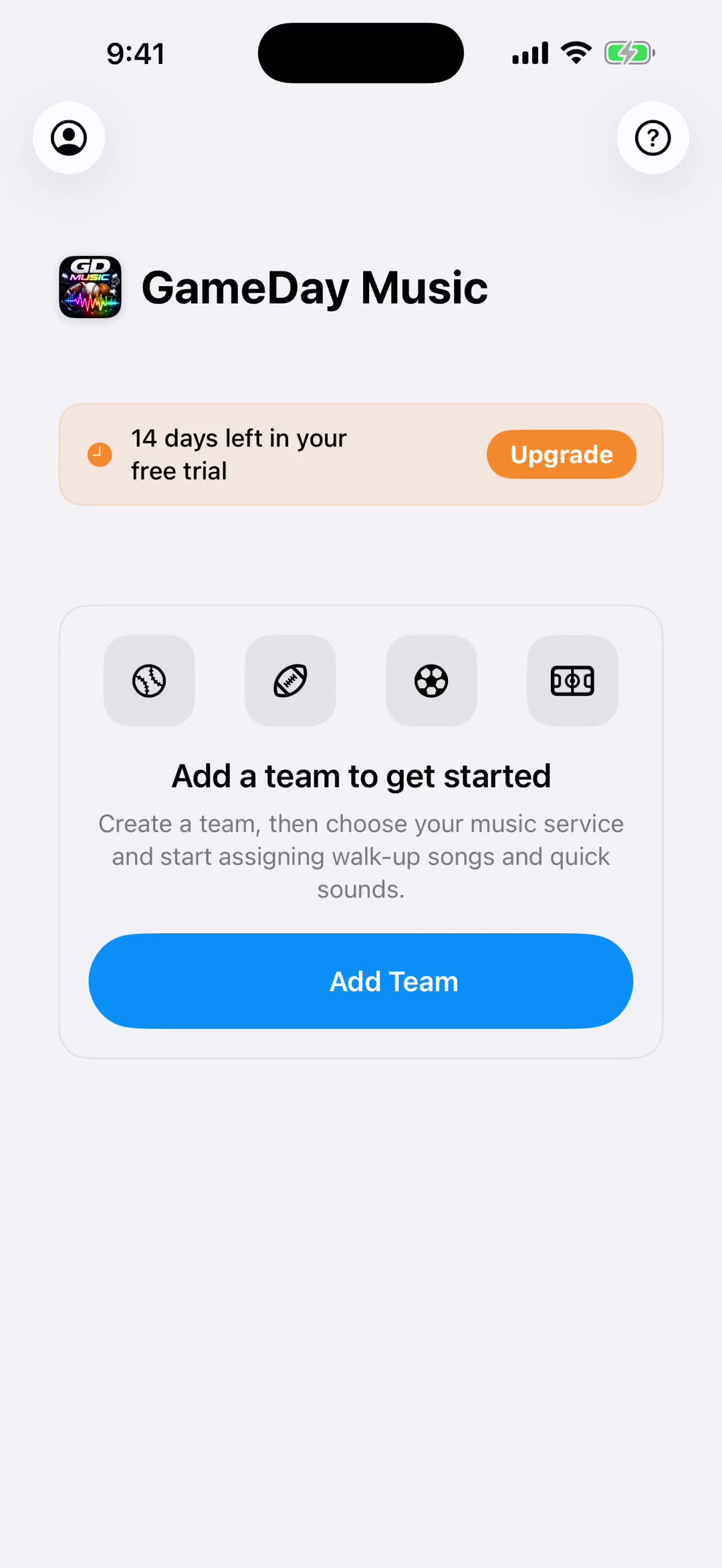
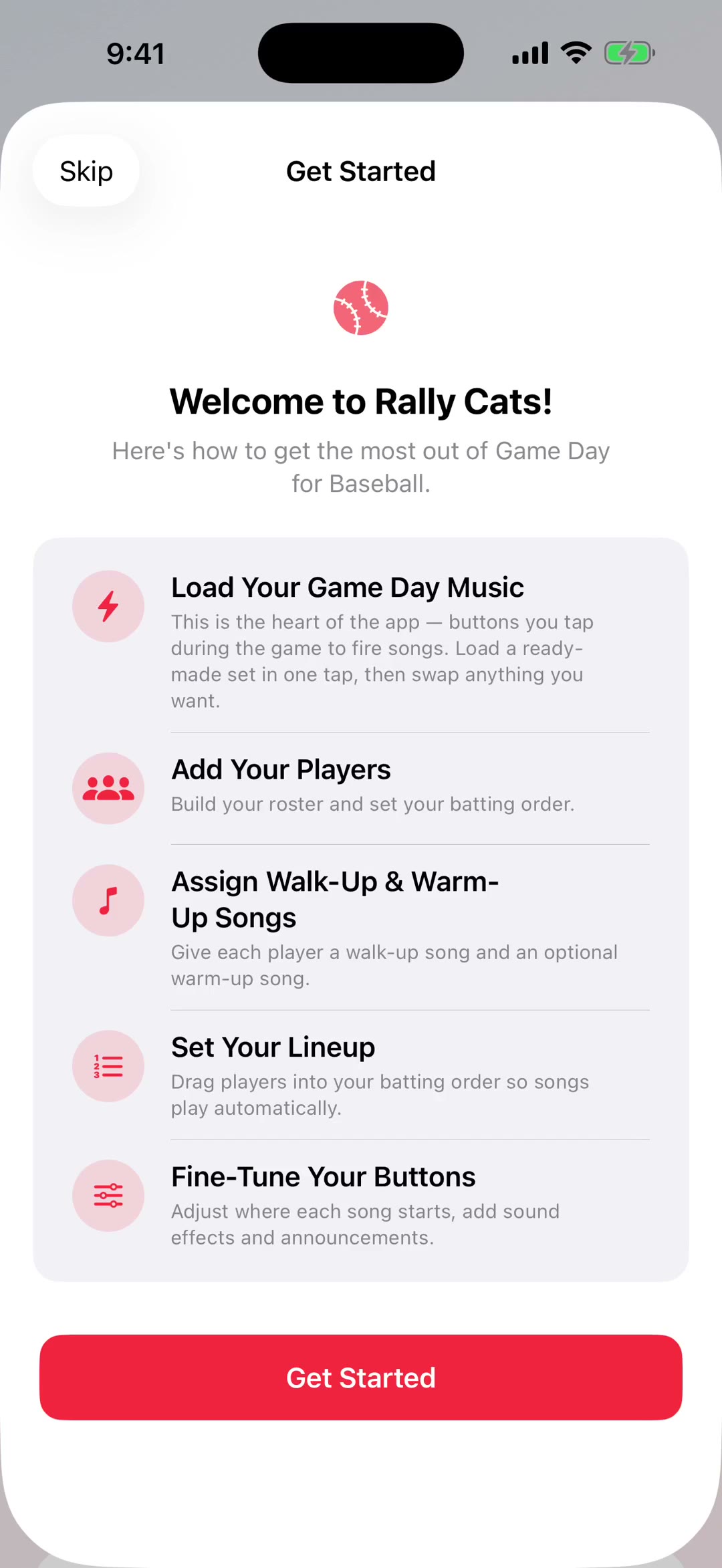
Let fans request songs live during games by QR code, text, or email. This 1:45 walkthrough was recorded on an iPhone with a baseball team, because this part of the app works the same way whatever sport you run. It is a step in every sport's setup path. The narration is written out below if you would rather read than watch.
 Baseball
 Softball
 Football
 Basketball
 Soccer
 Hockey
 Lacrosse
 Field Hockey
 Volleyball
 Wrestling
 Cheer
Cheer Flag Football
 Rugby
Rugby Cricket
 Golf
GolfWhat the video says
The narration, line by line, as it is spoken in the video.
Fan requests let the crowd pick songs at your game, straight from their own phones. Nobody downloads anything — they scan a code and they're in.
Start a session and show the QR code, or share the link. You can text it, email it, or just hold up your phone at the gate. Fans scan it, search for a song, and submit.
Requests land on your device in real time, sorted by votes. Fans can upvote each other's picks, so the songs the most people want float to the top. And if two people request the same track, it doesn't clutter the list — it merges into one request with two votes.
And the requests don't evaporate when the game ends. Save to Playlist lets you pick which of them to keep — you can see the vote counts while you choose — and drop them straight into your pre-game, in-game or post-game list, so a crowd favorite is already loaded next week.
Tap any request to play it. Breaks and timeouts are the natural moment — that's when people are actually listening for whether their song got picked.
Swipe left on a request to pull it from the queue. Anything inappropriate or repeated clears instantly, and nothing reaches the speakers unless you play it.
When you create the session you can switch on the explicit filter. That one's enforced on the server, not just hidden in the app, so explicit tracks can't get through even if somebody tries.
Sessions stay open for fourteen days and extend themselves with activity, so a tournament weekend runs on one code. You can close one early whenever you like.