GameDay Mash-Ups
Join parts of songs into one track — a team intro running straight into two hype songs — then use it anywhere you pick a song. This 1:35 walkthrough was recorded on an iPhone with a baseball team, because this part of the app works the same way whatever sport you run. It is a step in the setup path for Baseball, Softball, Football, Basketball, Soccer, Hockey, Lacrosse, Field Hockey, Volleyball, Wrestling, Cheer, Flag Football, Rugby and Cricket. The narration is written out below if you would rather read than watch.
 Baseball
 Softball
 Football
 Basketball
 Soccer
 Hockey
 Lacrosse
 Field Hockey
 Volleyball
 Wrestling
 Cheer
Cheer Flag Football
 Rugby
Rugby Cricket
What the video says
The narration, line by line, as it is spoken in the video.
A Mash-Up joins parts of your songs into one track. A team intro that runs straight into two hype songs, a walk-up that opens on the chorus — one file, one tap, and the app treats it like any other song.
You'll find it on the team screen, under Between the Action. Mash-Ups lists every one you've made, and the plus button starts a new one.
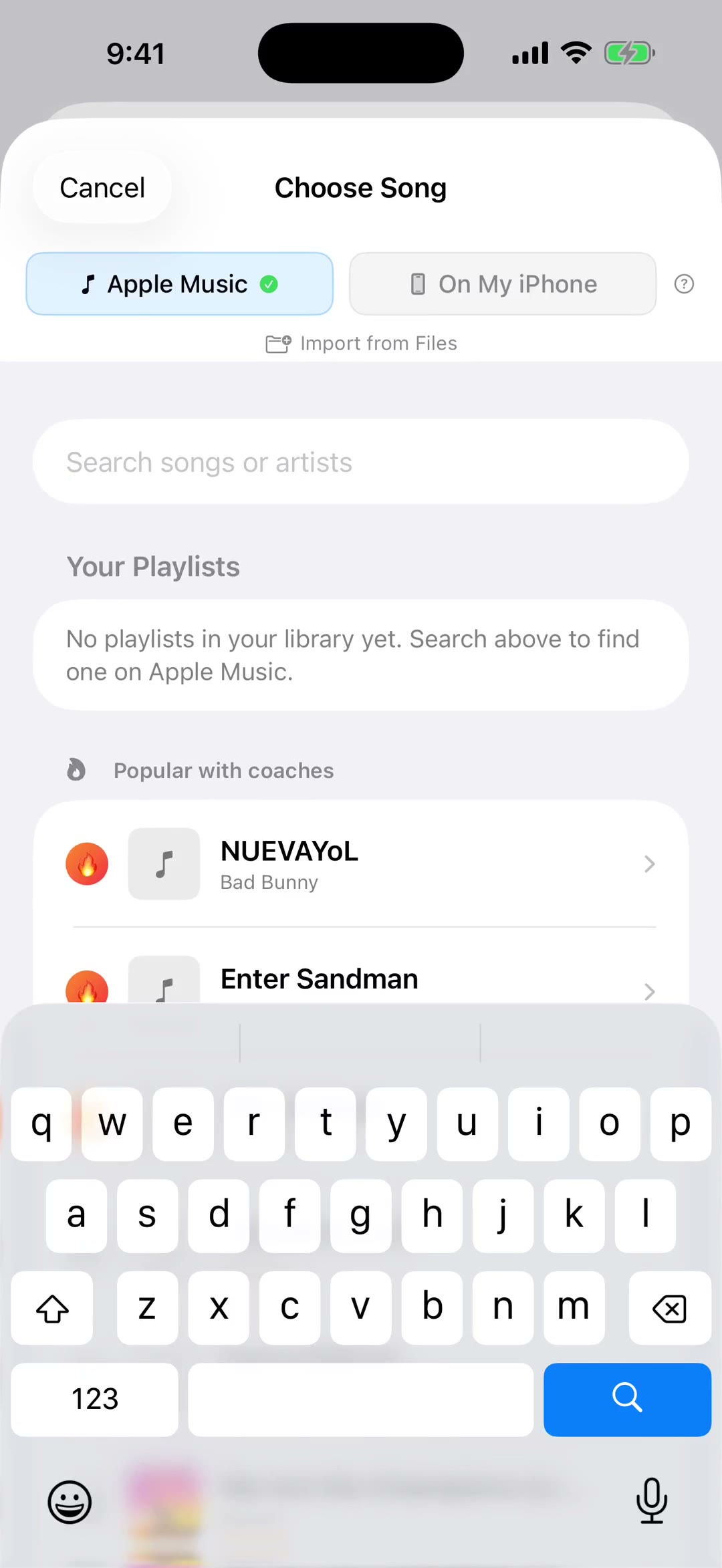
Name it, then add songs. They play in the order you add them, and you can pull from your own audio files or from Apple Music. A Mash-Up uses one or the other, not both.
Each song gets two sliders: where it starts, and how long it plays. Twenty seconds is the starting point, which is usually about right for a chorus.
The Flow bar draws the whole thing as one bar, a color per song, each as wide as it plays. Drag the divider between two songs to give one of them more time, or less.
Nothing here is guesswork. Tap any song to hear just that part, or Play the Whole Mash-Up to hear it end to end before you save it.
Two switches change how the songs meet. Fade takes each one down gently into the next; turn it off and they cut straight across. Rewind drops a record-scratch at every change.
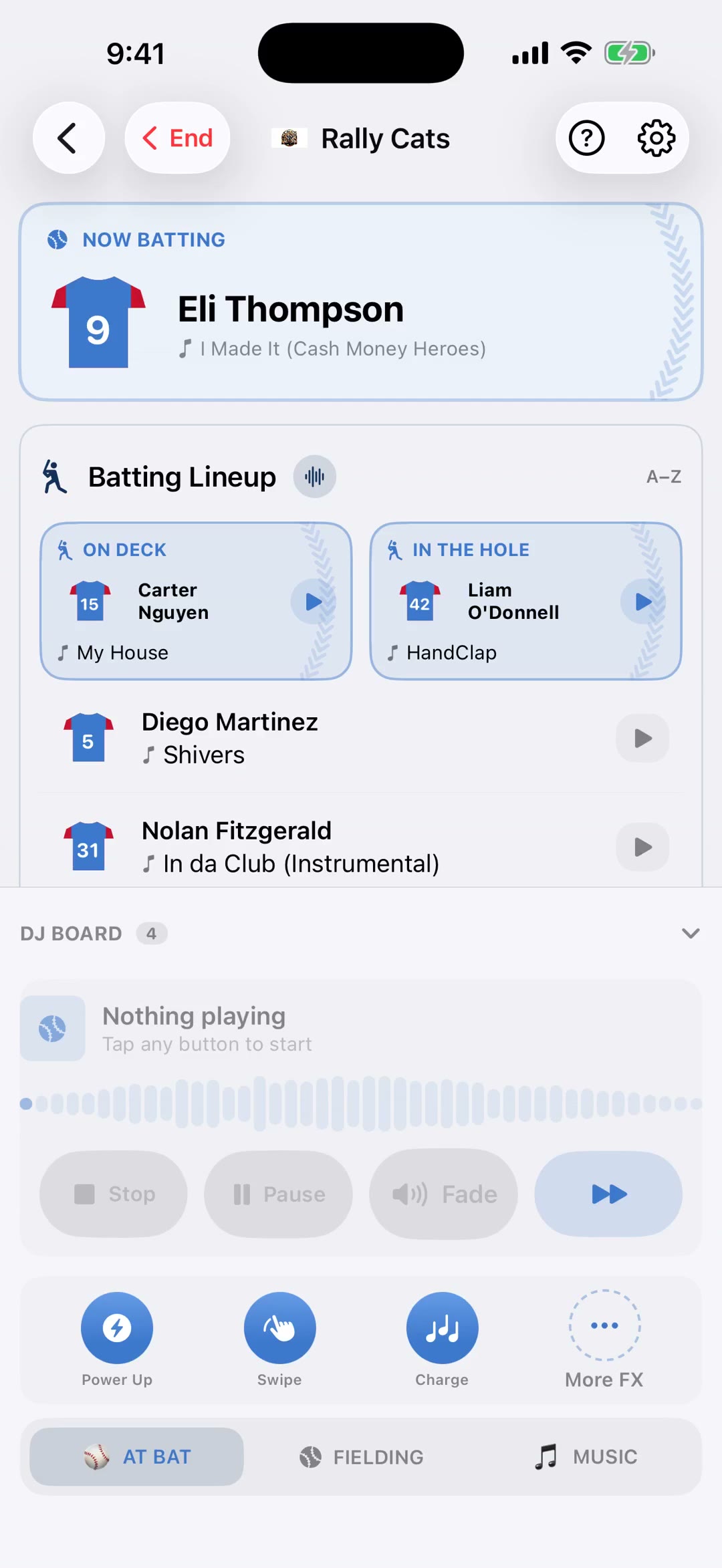
Save it and it's a song. Add it to a playlist, a walk-up, a DJ Board button or the Game Opener, and it carries its own artwork wherever it goes. Tap it again later to change it, and the change reaches everywhere it's used.