DJ Board
Set up songs, sound effects & voice announcements for big play buttons. This 2:09 walkthrough was recorded on an iPhone with a baseball team, because this part of the app works the same way whatever sport you run. It is a step in the setup path for Baseball, Softball, Football, Basketball, Soccer, Hockey, Lacrosse, Field Hockey, Volleyball, Wrestling, Cheer, Flag Football, Rugby and Cricket. The narration is written out below if you would rather read than watch.
 Baseball
 Softball
 Football
 Basketball
 Soccer
 Hockey
 Lacrosse
 Field Hockey
 Volleyball
 Wrestling
 Cheer
Cheer Flag Football
 Rugby
Rugby Cricket
What the video says
The narration, line by line, as it is spoken in the video.
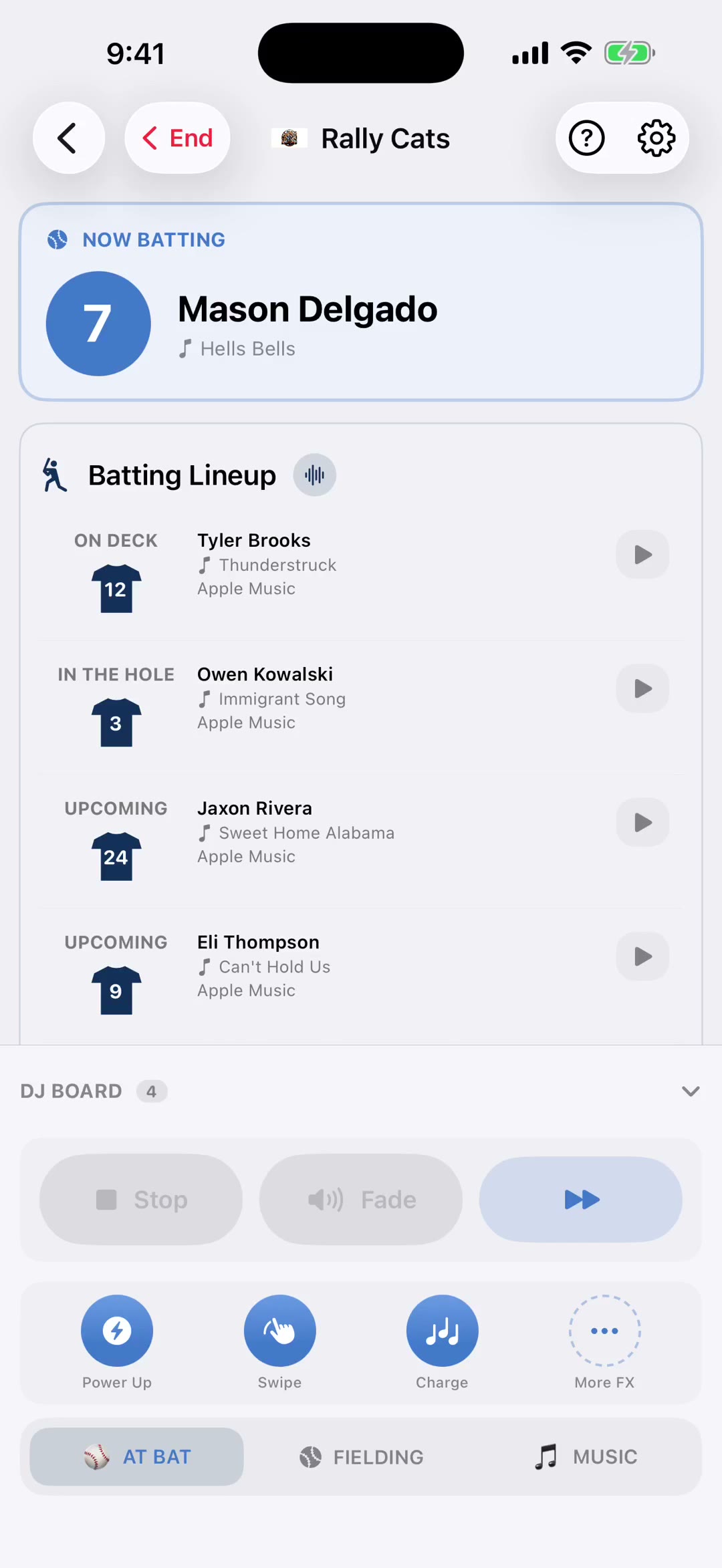
The DJ Board is your row of one-tap buttons. Home run, big hit, walk, steal. When the moment happens you've got about two seconds to react, so this is where you do the thinking in advance.
Tap a button to open its editor, then add as many songs as you like. Everything you add sits in that button's queue, and you set where each one starts, so the button fires straight into the hook.
Then choose how the queue behaves. Cycle moves to the next song each time you press it, so a big inning doesn't sound repetitive. Repeat plays the same song every time, which is what you want for a signature moment everyone recognises.
Sound effects fire alongside the song. And if you leave the song list empty, the button plays just the effect — perfect for a strikeout that only wants the airhorn.
Voice announcements let the button call the moment out loud before the music starts, so you get the announcer and the song from one tap.
The player picker ties a button to whoever's up. That's how a home run button knows to play that specific hitter's song rather than a generic one.
Every song carries its own menu. Edit where it starts and ends, move it to a different button, or remove it. So a track you loaded onto the wrong button doesn't have to be hunted down and added again.
Work through the buttons that matter most for your sport first. You don't need all of them loaded to run a game — even three or four good ones change how a game feels.
The announcement isn't one fixed line either. Each button carries a set of phrases — for a home run, "Home run!", "Gone!", "Out of here!", "That ball is crushed!" — and the announcer picks one at random each time, so the fifth home run of the season doesn't sound like a recording. Turn off any you don't want.
And if you'd rather it were your voice, record or upload a clip for that button. When one is set, it plays instead of the generated announcer, just for that button.