Sound Effects
Set up quick sound slots, import custom audio, and use the FX board during games. This 1:25 walkthrough was recorded on an iPhone with a baseball team, because this part of the app works the same way whatever sport you run. It is a step in the setup path for Baseball, Softball, Football, Basketball, Soccer, Hockey, Lacrosse, Field Hockey, Volleyball, Wrestling, Cheer, Flag Football, Rugby and Cricket. The narration is written out below if you would rather read than watch.
 Baseball
 Softball
 Football
 Basketball
 Soccer
 Hockey
 Lacrosse
 Field Hockey
 Volleyball
 Wrestling
 Cheer
Cheer Flag Football
 Rugby
Rugby Cricket
What the video says
The narration, line by line, as it is spoken in the video.
Sound effects are the punctuation of a game. A song fills a moment, but an airhorn lands on it. Here's where you set them up.
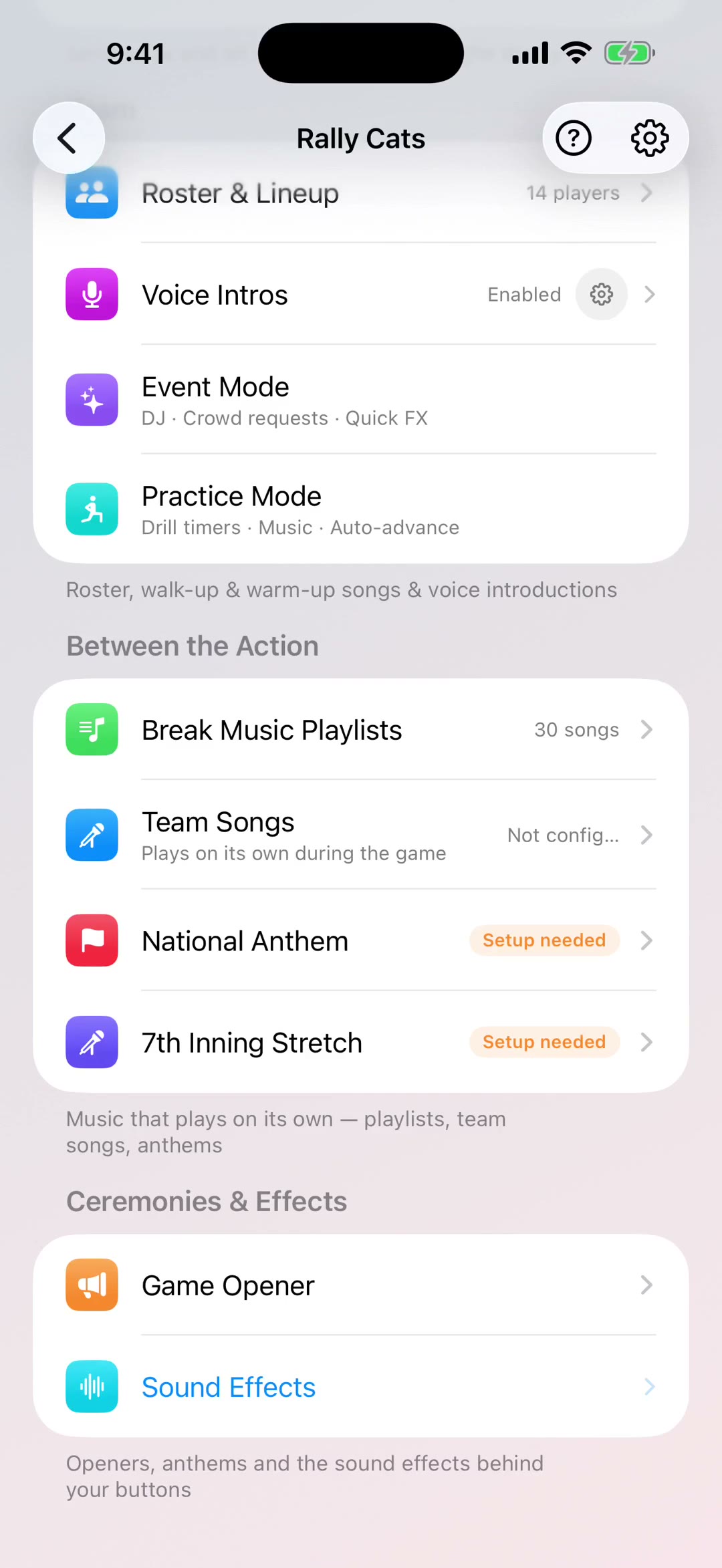
Quick sound slots are the row of buttons sitting just above your tabs during a game. Whatever you put in these is one tap away all game long, without opening anything.
Every sport comes with its own set already loaded, so the sounds match the game you're actually running. Baseball gets the organ charge, hockey gets the goal horn. You can swap any slot for something else.
Every slot can be swapped. Open one and you get your sport's own sounds at the top — the organ charge for baseball, goal horns for hockey — then a universal set underneath: airhorns, risers, whistles, boos. And if you experiment your way into a mess, Reset All to Defaults puts the original set back.
Big play sounds are the ones tied to your DJ Board buttons. Those fire together with the song, so a home run gets the horn and the music at the same time rather than one after the other.
And during a game, More FX opens the full library if you need something that isn't in your quick slots.
Worth doing before your first game: put the four sounds you'll actually reach for into the quick slots, and leave the rest in the library.