Cheer Game Day
Routine music for competition, a sideline board for someone else's game, and crowd chants. This 2:17 walkthrough opens Game Day for Cheerleading and goes through it tab by tab: Routines, Sideline and Music. The board has 6 buttons — ROUTINE, TIMEOUT, HALFTIME, STUNT and the rest — each with a sound effect and a song behind it. It is the last step in the Cheer setup path; the steps before it are the same on every sport. The narration is written out below if you would rather read than watch.
 Cheer
CheerWhat the video says
The narration, line by line, as it is spoken in the video.
This is Game Day for cheer — the one screen you run the whole game from. Everything you set up beforehand is here, because you'll be watching the game, not the phone.
Cheer runs on two boards. Routines holds your competition music, added from Team Home. Sideline is the one you use at somebody else's game: Routine, Timeout, Halftime, Stunt, Cheer and Dance, each with its own track.
A button can hold more than one song, and when it does you'll see a small rotate badge in its corner. Tap the badge to move to the next song without playing anything — useful when you want a different track queued up before the moment arrives, not after.
There's no scoring button here, because you're not reacting to a play — you're driving the crowd. That's why the buttons are named for what your squad is about to do, not for what just happened on the field.
The Music tab is everything that isn't a moment — In-Game, Pre-Game, Post-Game, and whatever the crowd requested under Fan Picks. Album artwork makes a track easy to spot at a glance, and anything you've already played is marked so you don't repeat yourself.
The Music tab keeps its own count — twenty of twenty remaining — so you can see how much of the set you have left. Beside it, shuffle the order, edit what's in the list, or reset the played marks and run the whole thing again.
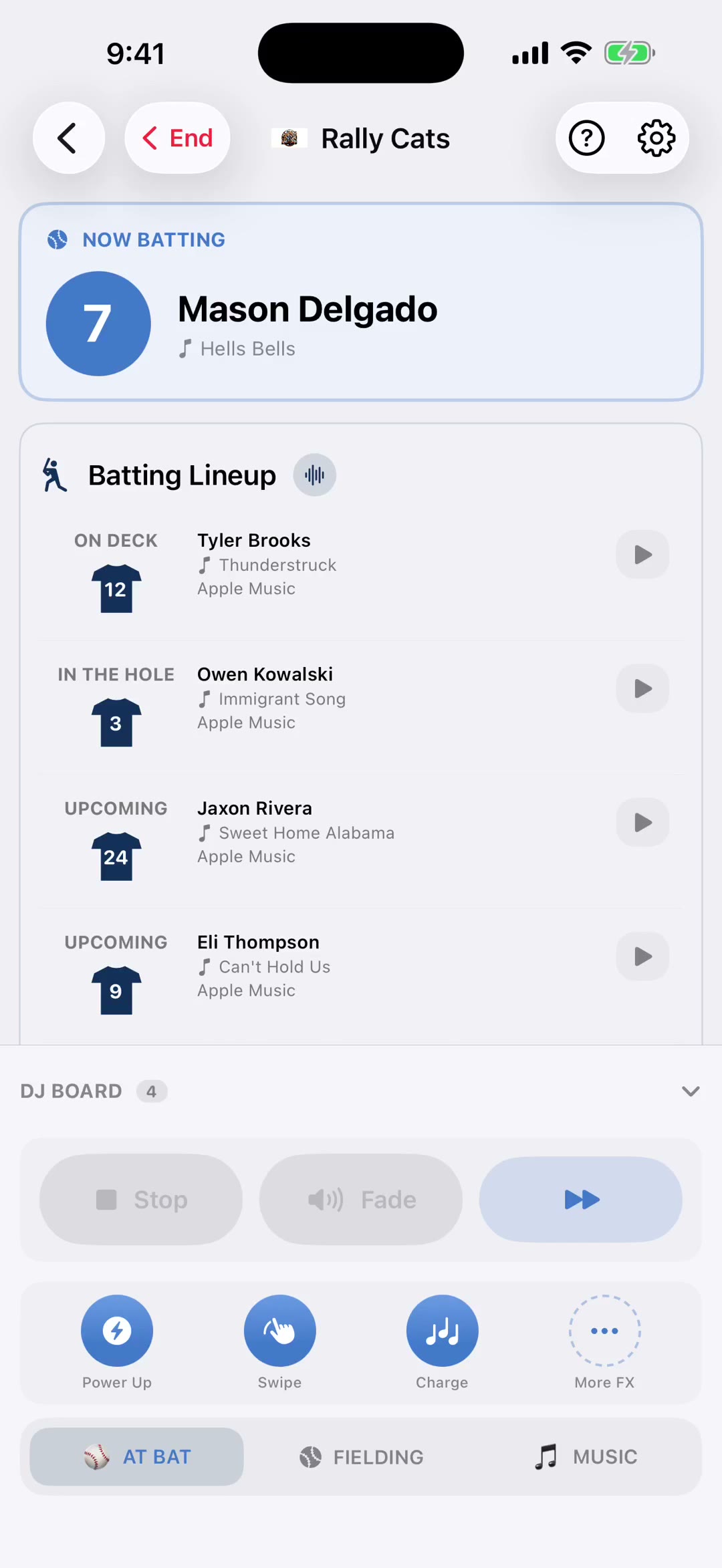
Stop, Pause, Fade and Next sit under the board all game, in the same spot every time. Stop cuts the music, Pause holds it where it is, Fade takes it down gently when play restarts instead of cutting it dead mid-chorus, and the last button moves along that button's own list of songs.
Just above the tabs are three quick sound slots, one tap each, plus More FX for the whole library. Long-press a slot to swap what's in it without leaving the game.
And when it's over, End Session stops every bit of audio at once and puts you back on the team screen. No hunting for whatever's still playing in the background — one tap and the gym goes quiet.