Rugby Game Day
Try, conversion, penalty, scrum and lineout buttons, player songs with announcements, lineup, and match playlists. This 1:44 walkthrough opens Game Day for Rugby and goes through it tab by tab: Game and Music. The board has 6 buttons — TRY!, CONVERSION, PENALTY, BIG HIT and the rest — each with a sound effect and a song behind it. It is the last step in the Rugby setup path; the steps before it are the same on every sport. The narration is written out below if you would rather read than watch.
 Rugby
RugbyWhat the video says
The narration, line by line, as it is spoken in the video.
This is Game Day for rugby. Six buttons for the moments worth marking, your squad underneath, and the controls along the bottom. One screen for the whole match.
Try, Conversion, Penalty, Big Hit, Scrum and Lineout. Each one holds a list of songs rather than a single track, so the same thing is not playing after every try.
Tap Try and it goes out immediately. Underneath, the title, the artwork and a waveform while it runs. The button quietly steps on to the next song for the one after this.
Rotate All does that to every button at once, without playing anything. Useful when you look at the six tiles before kick-off and want a different six.
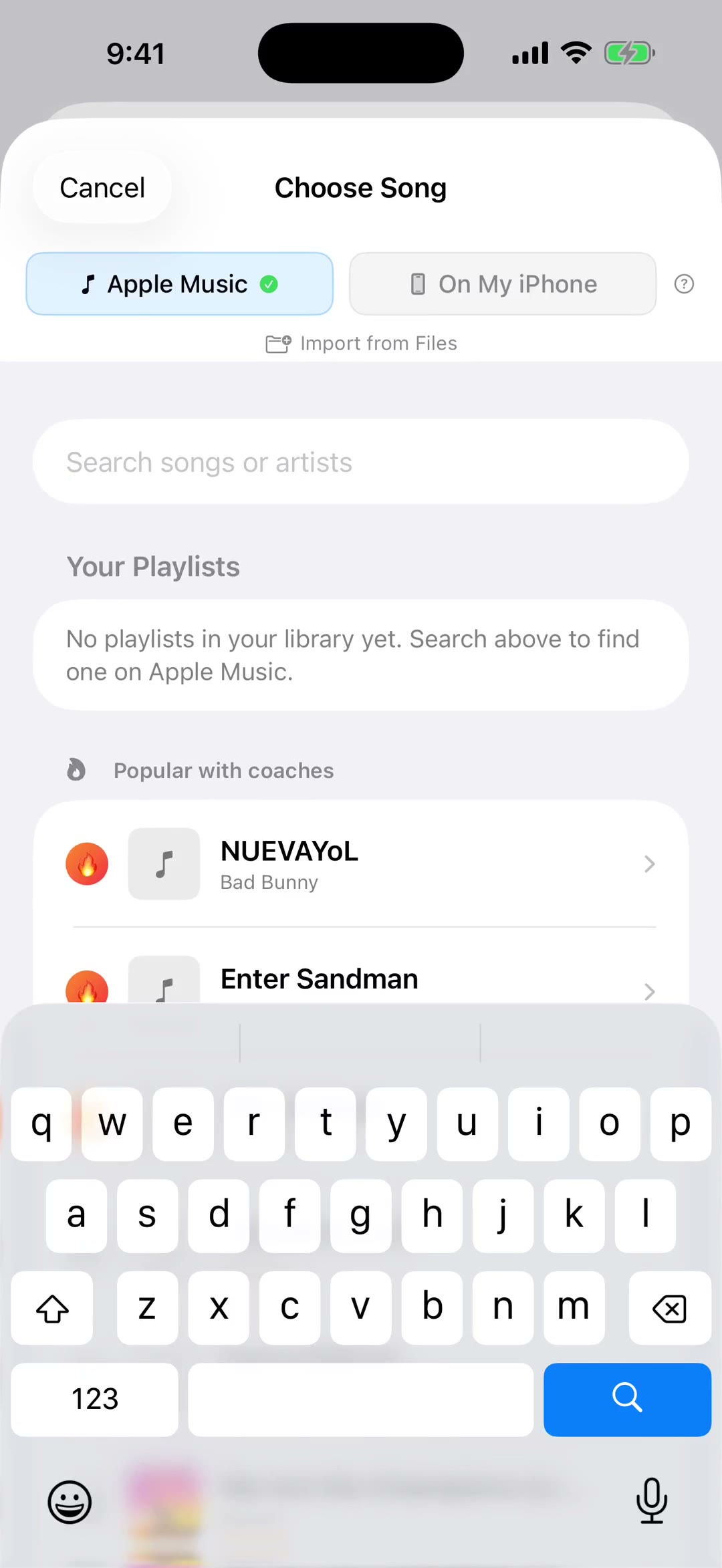
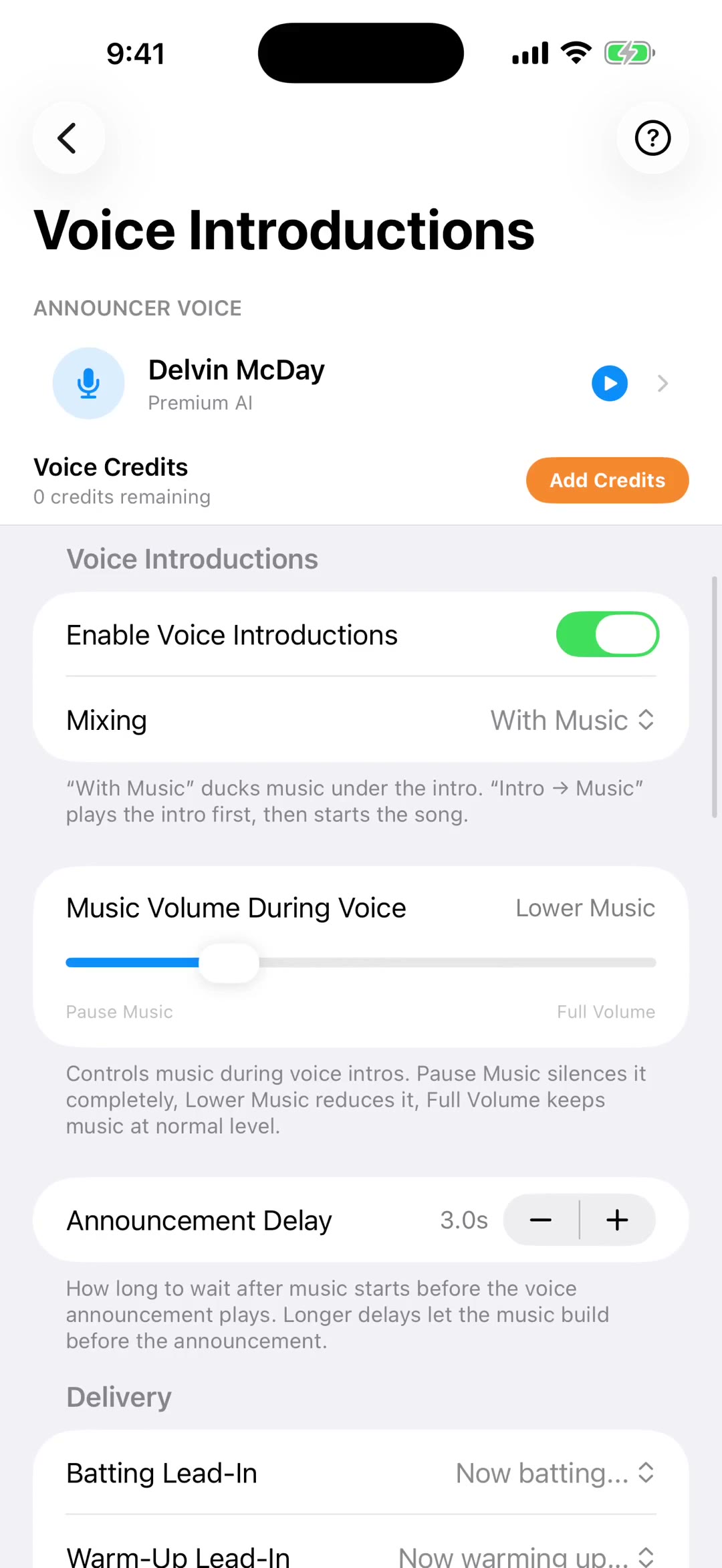
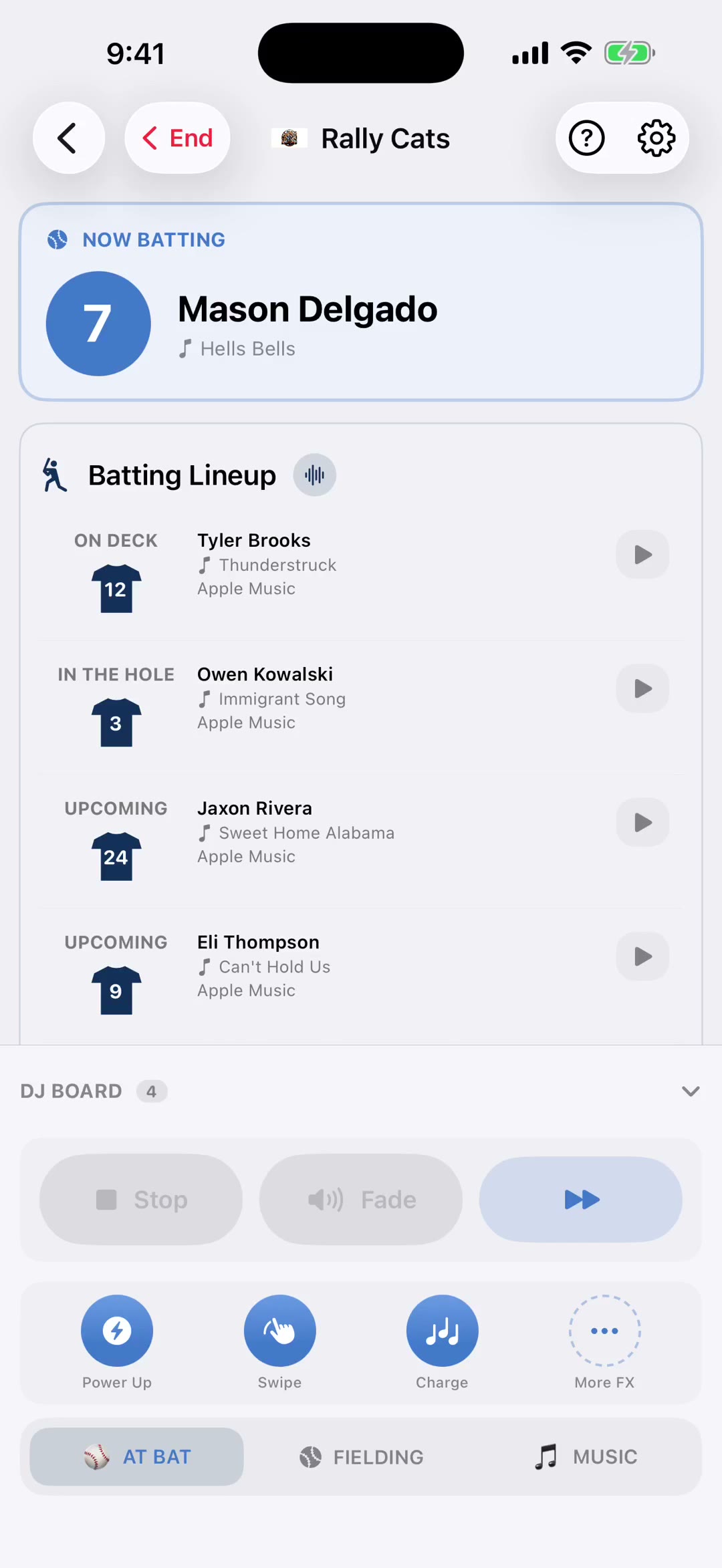
Player Songs runs below the board. Tap a name and that player's song plays. With Announce switched on you get the line first, the number and the name, and then the music.
Lineup is who is actually here today. Check a player in and they appear on the board. Uncheck them and they stay on the bench, so a full squad does not crowd the strip.
These control whatever is playing. Stop ends it, Pause holds it, and Fade brings it down over about three seconds rather than cutting it off. The double arrow skips ahead.
Four instant sounds, three of them slots you can reassign by holding one. More FX opens the whole library, and anything you tap in there plays the moment you touch it.
The Music tab holds your lists, and rugby gets the right words for them: pre-match, in-match and post-match, plus whatever has been requested. Start one and it runs on its own.