Cricket Game Day
Four, six, wicket and catch buttons, a batting order that walks each batter out once, bowling wicket songs, and match playlists. This 1:41 walkthrough opens Game Day for Cricket and goes through it tab by tab: Game and Music. The board has 6 buttons — FOUR!, SIX!, WICKET, CATCH and the rest — each with a sound effect and a song behind it. It is the last step in the Cricket setup path; the steps before it are the same on every sport. The narration is written out below if you would rather read than watch.
 Cricket
What the video says
The narration, line by line, as it is spoken in the video.
This is Game Day for cricket, and it is laid out differently from the other sports, because a batting order is different. Here is the whole screen.
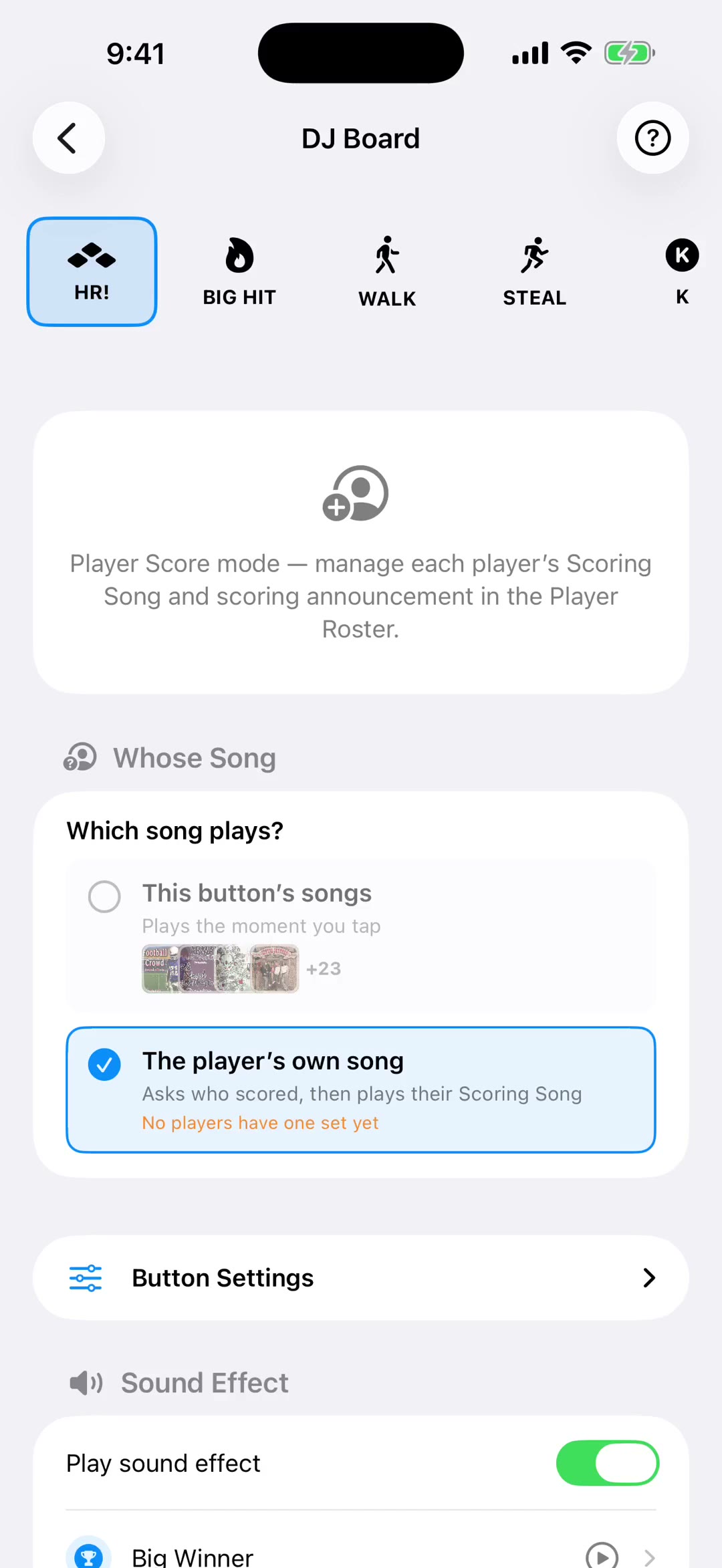
Six buttons for the calls: Four, Six, Wicket, Catch, Fifty and Drinks. Each one holds a list, so the same song is not following every boundary all afternoon.
Tap one and it plays. The button then moves itself along to the next song in its list, which is the whole reason for giving it a list instead of a single track.
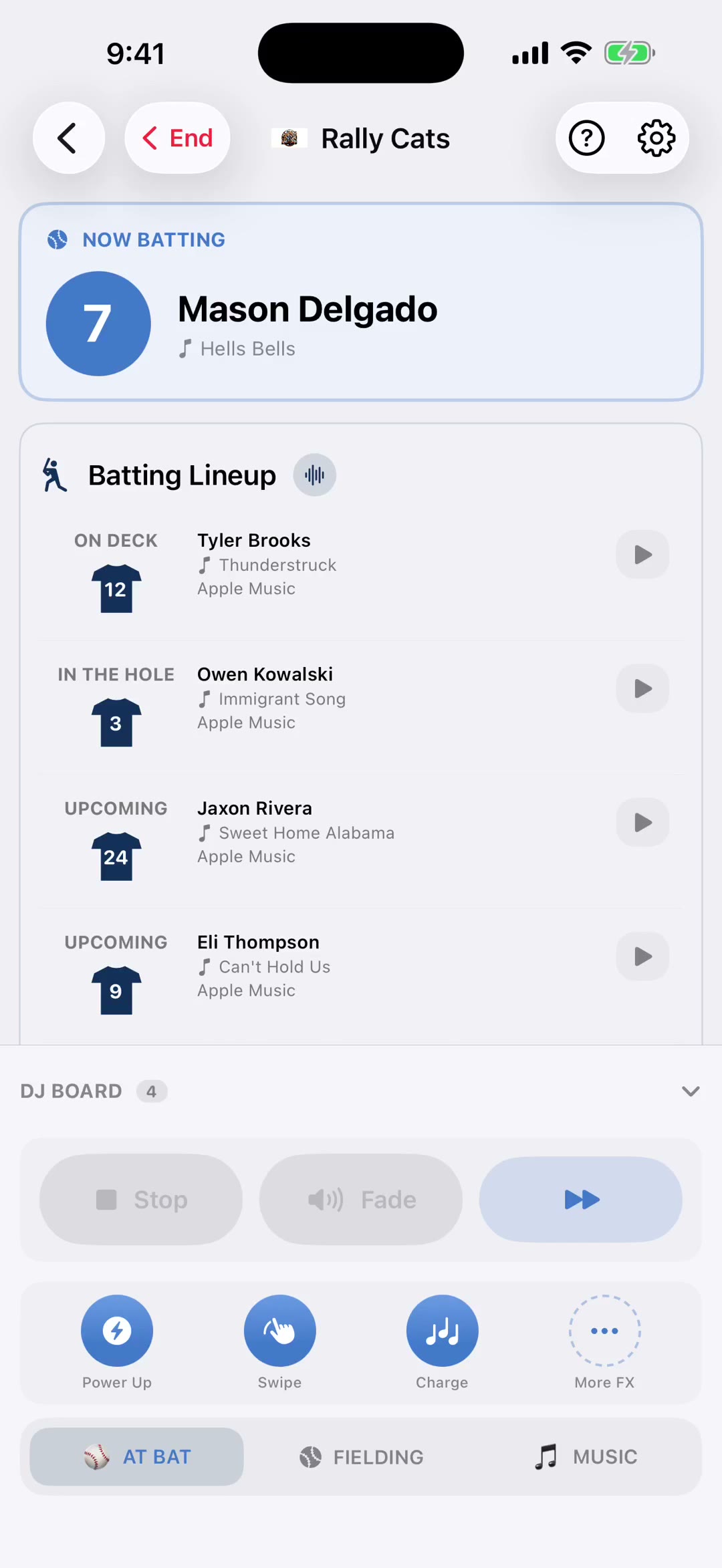
Below is the batting order. Eleven to come, and the next man in is badged and sitting first, so the tap you need is never the one you have to scroll sideways for.
Tap him and his walk-out song plays. He then drops to the end of the row keeping his number, the count ticks down, and the next batter moves to the front by itself.
Tap the wrong name in the rush of a wicket and just hold it. He goes straight back into the order. At the end of the innings, New Innings puts everybody back.
Underneath is the bowling side, with its own wicket songs. No order and nothing greys out here, because bowlers come back. That is the half of a match a batting order ignores.
These work on whatever is playing. Stop ends it, Pause holds it, Fade takes it down over about three seconds instead of cutting it dead, and the double arrow skips on.
And the Music tab carries your lists: pre-match, in-match, post-match, and anything requested. Start one and it keeps going through the innings until you tell it to stop.